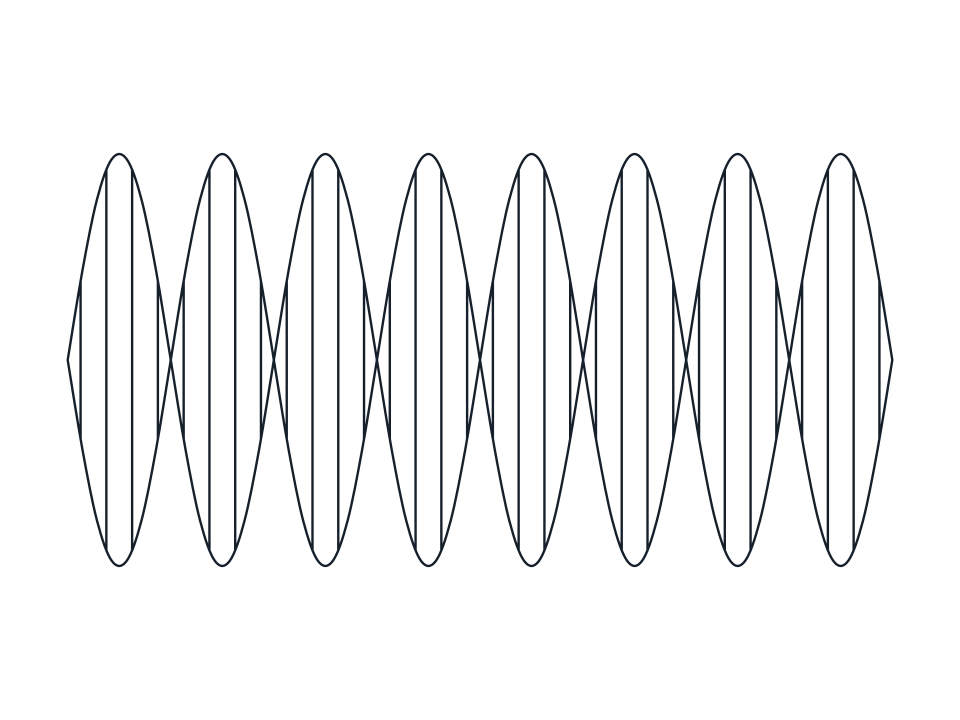
Print and packaging
Crop and Bleed Marks
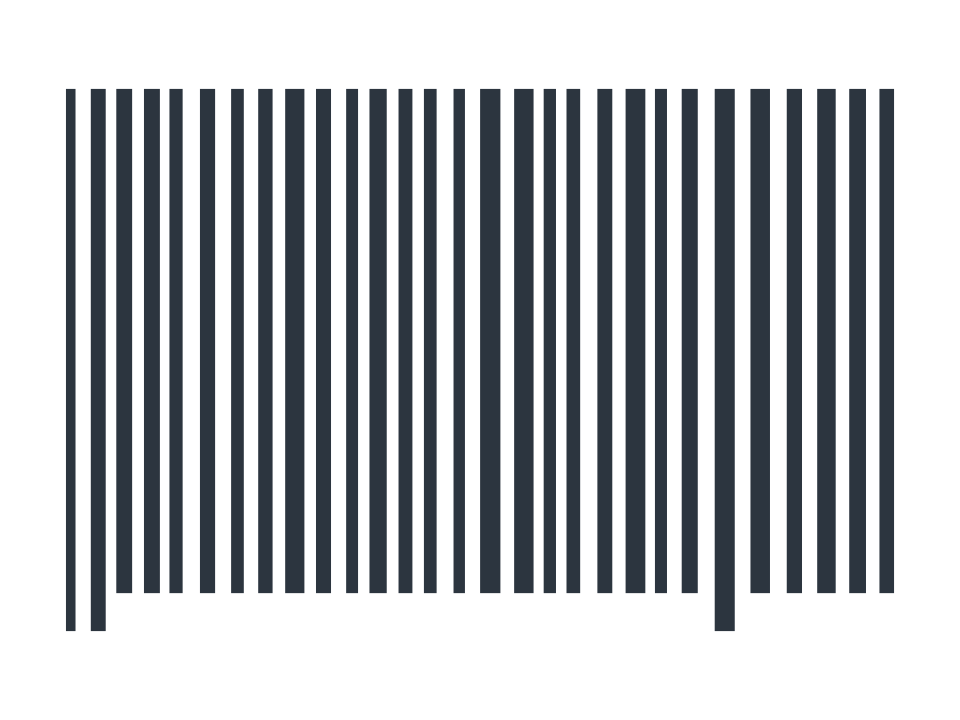
Trim marks, a bleed frame and registration targets, the print furniture every press ready file needs.
GroupPrint and packaging
How you draw itdrag a box, the two corners set its width and height
Controls4 parameters, plus four on canvas handles
Fill or strokeopen, it takes a stroke
Stays adjustableyes, change a number and it redraws
LicenceFree for commercial use
It is an object, not a picture
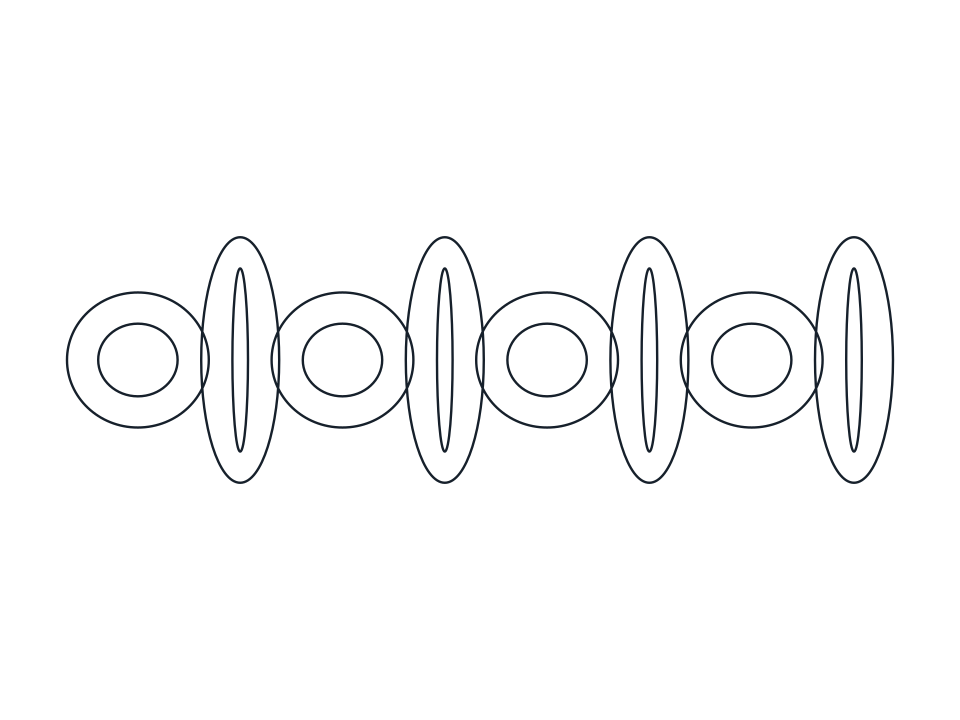
The curve remembers the frame and the numbers it was built from. Drag either end to set its length and angle, drag the square handle to set its height, or type a value in the bar above the canvas, and it regenerates in one step which is also one press of undo. Nothing is baked until you decide it should be: choose Expand and it becomes an ordinary path you can node edit, boolean, or run a brush along.