Cartography
Compass Rose
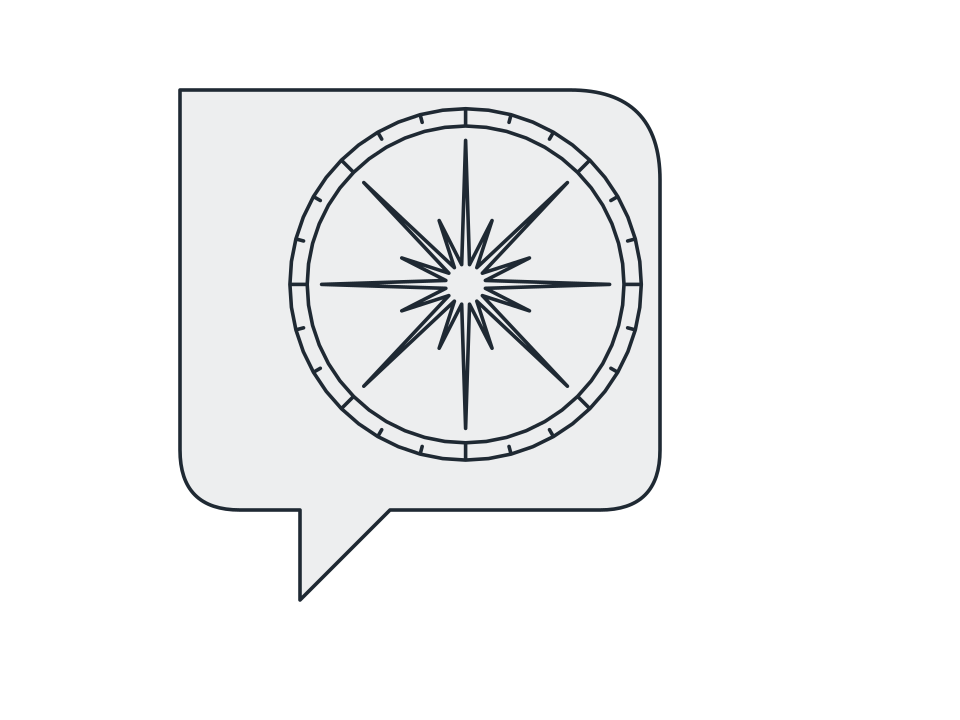
Drop a many-pointed bearing star with its double bezel ring and degree ticks into a chosen corner of the sheet, or dead centre over it.
FamilyCartography
Parameters4 adjustable
On canvas handlesno, adjust it in the panel
Destructiveno, the original path is kept
LicenceFree for commercial use
The 4 controls
Nothing here is baked in. Every value stays live on the object for as long as the file exists, so you can come back and retune it, reorder it against other effects, or take it off and get your original path back exactly as you drew it.
- Points3 to 32, default 8
- Radius0 to 4000, default 0
- Ring ticks0 to 180, default 24
- CornerTop left, Top right, Bottom left, Bottom right, Centre