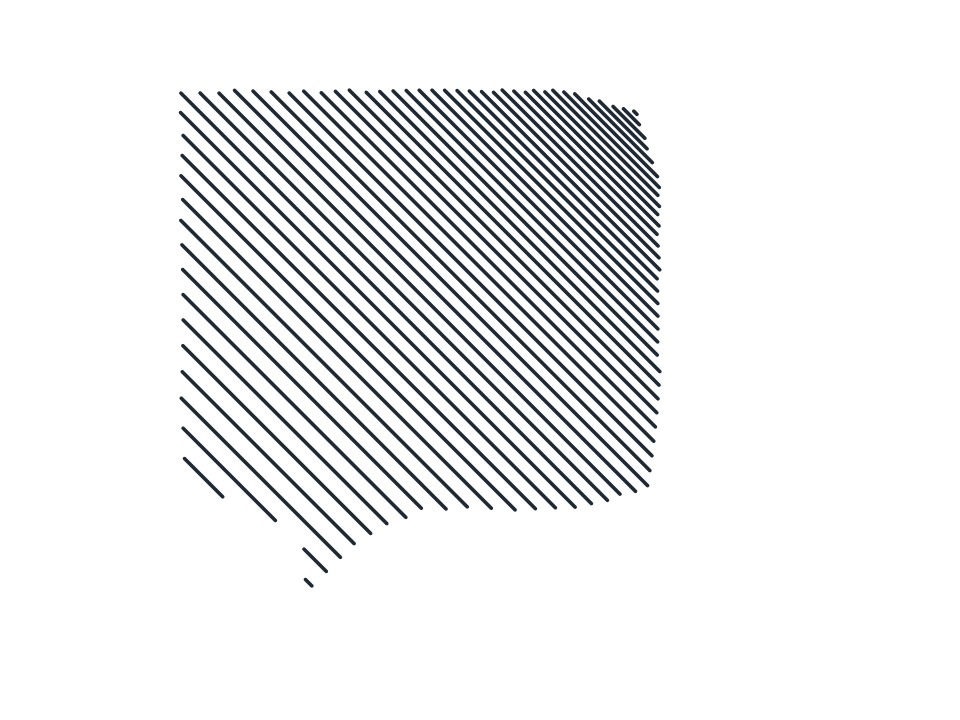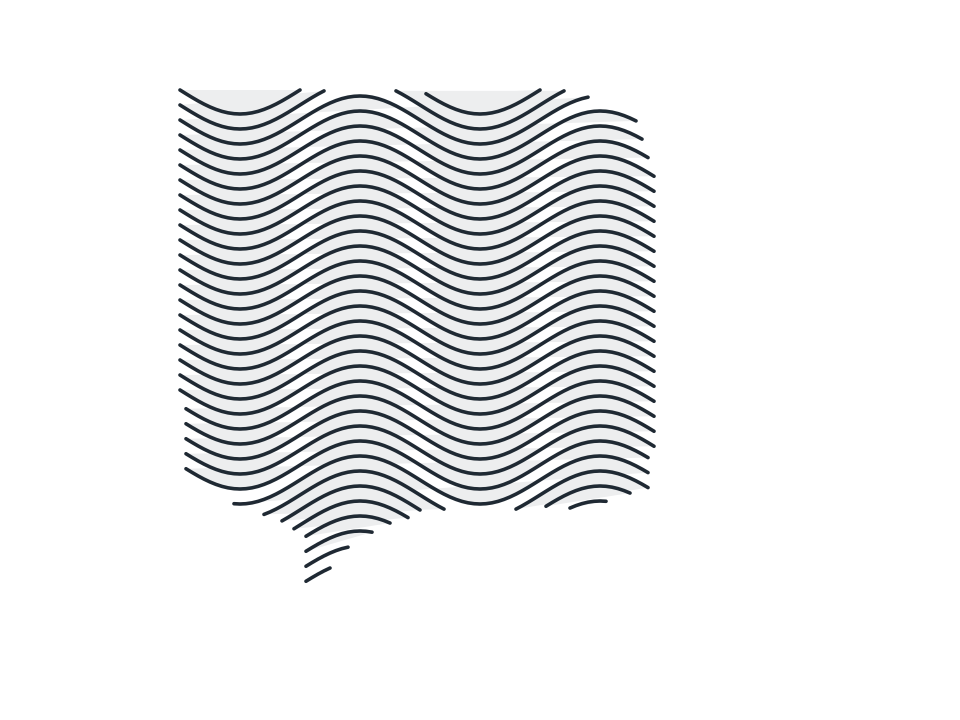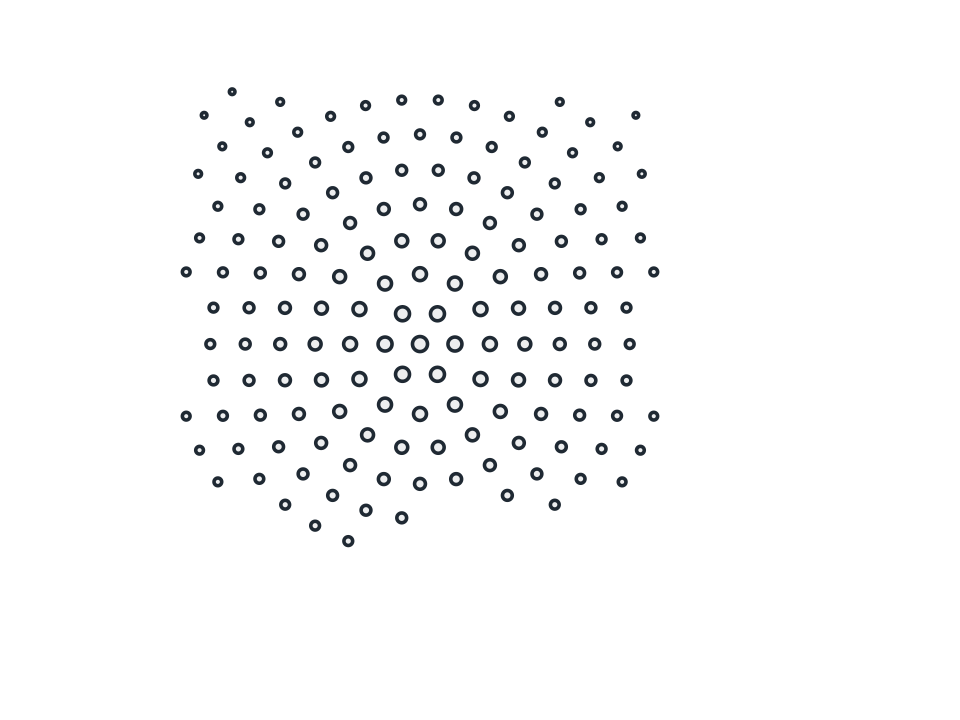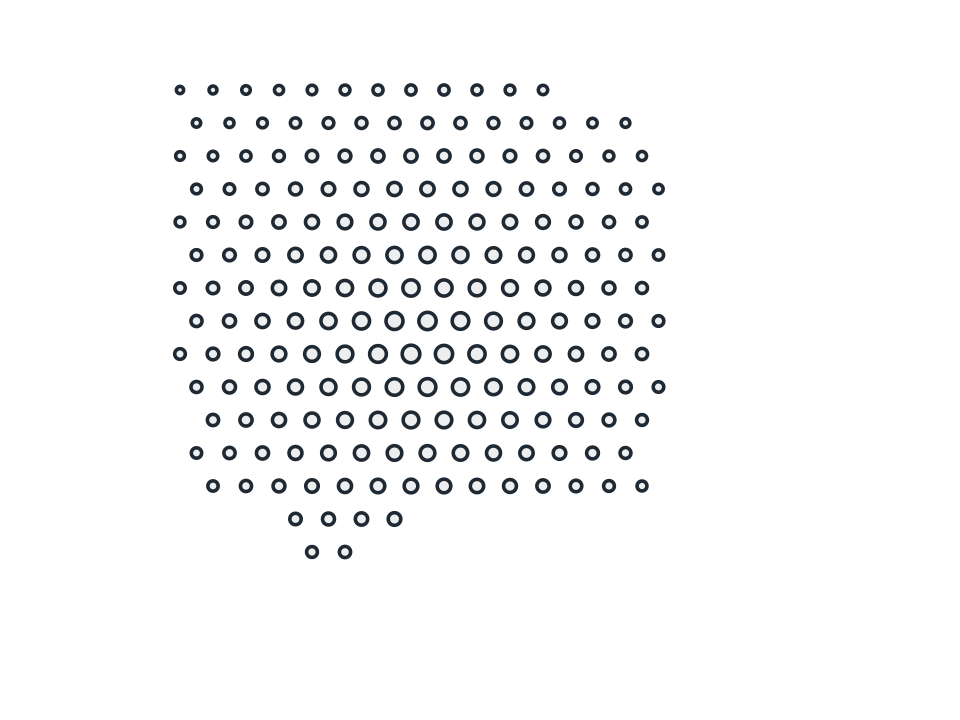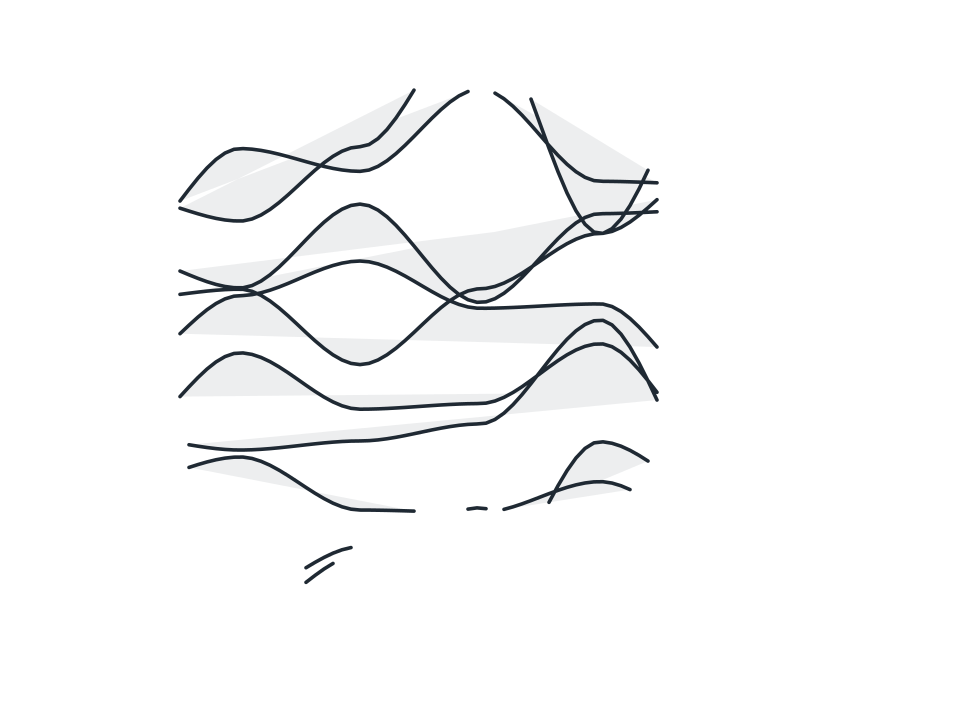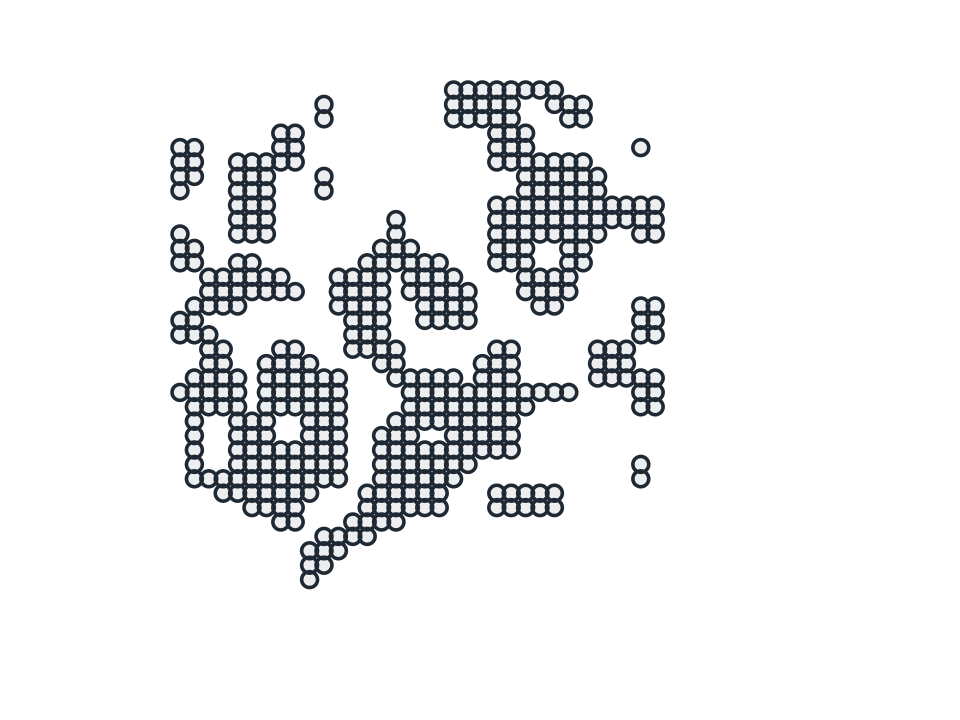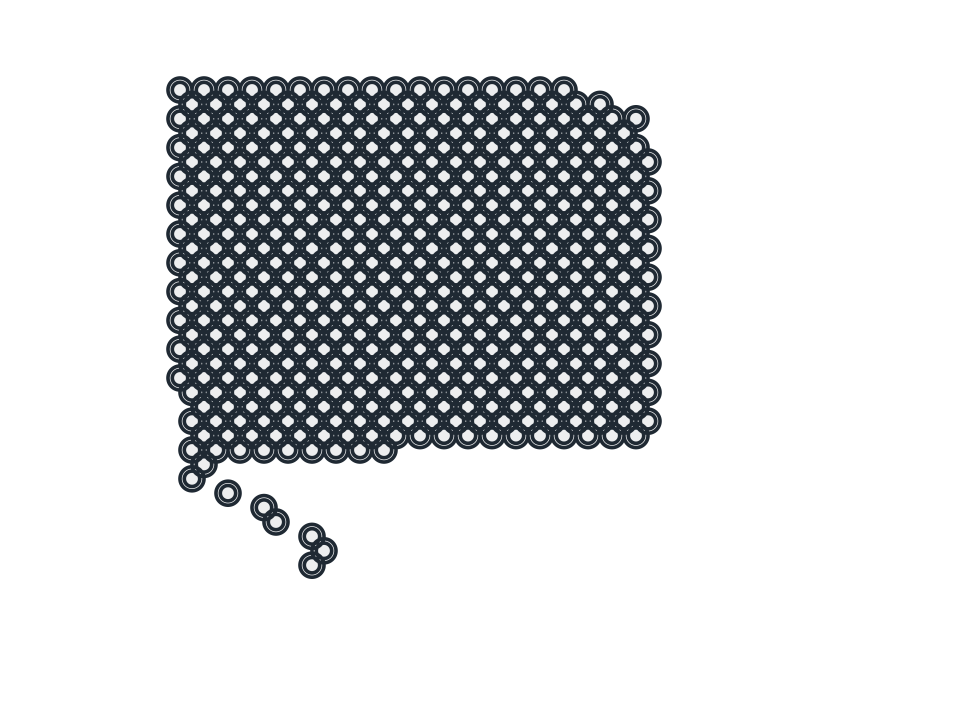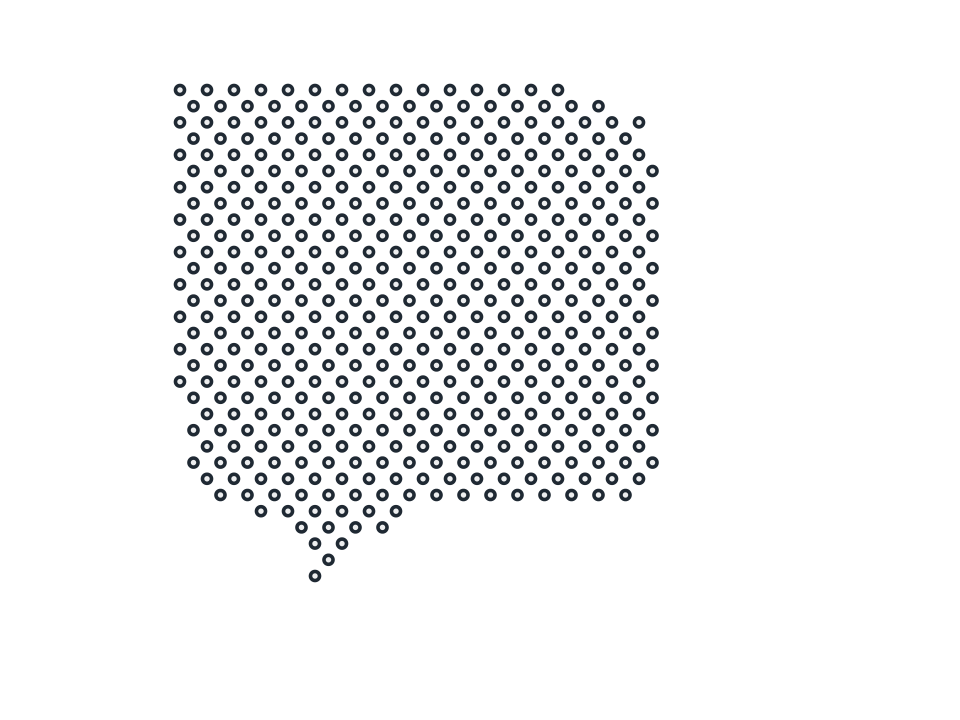
Textures
Guilloché
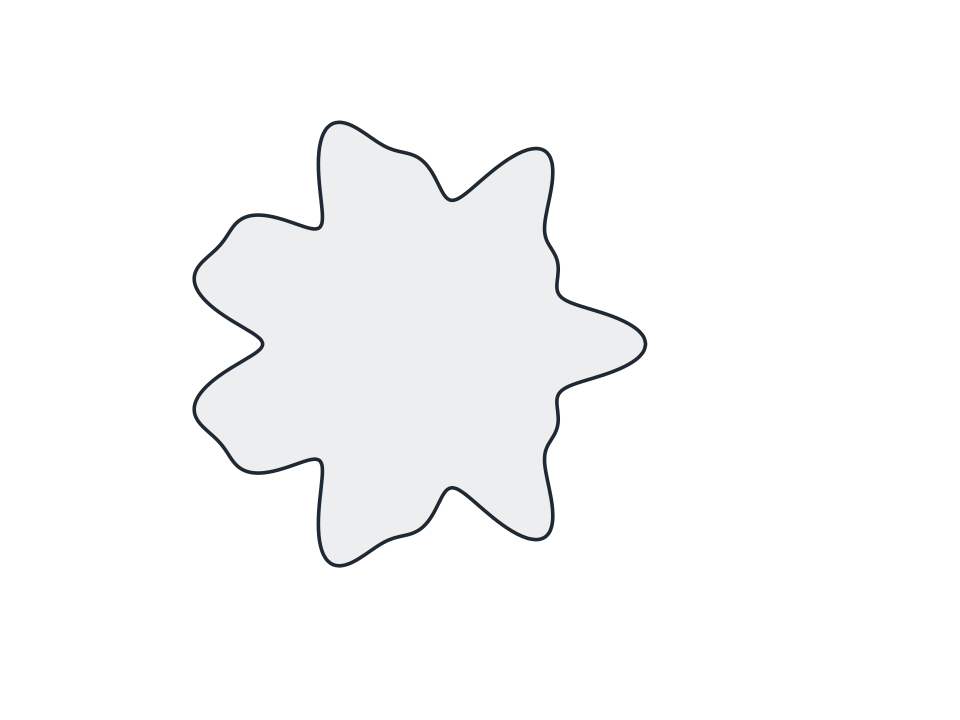
Rosette engraving of the kind printed on banknotes and share certificates, two frequencies laid over one another across as many laps as you ask for.
FamilyTextures
Parameters5 adjustable
On canvas handlesno, adjust it in the panel
Destructiveno, the original path is kept
LicenceFree for commercial use
The 5 controls
Nothing here is baked in. Every value stays live on the object for as long as the file exists, so you can come back and retune it, reorder it against other effects, or take it off and get your original path back exactly as you drew it.
- Frequency A1 to 40, default 7
- Frequency B1 to 60, default 13
- Amplitude A0 to 0.5, default 0.18
- Amplitude B0 to 0.5, default 0.08
- Laps1 to 6, default 1