Textures
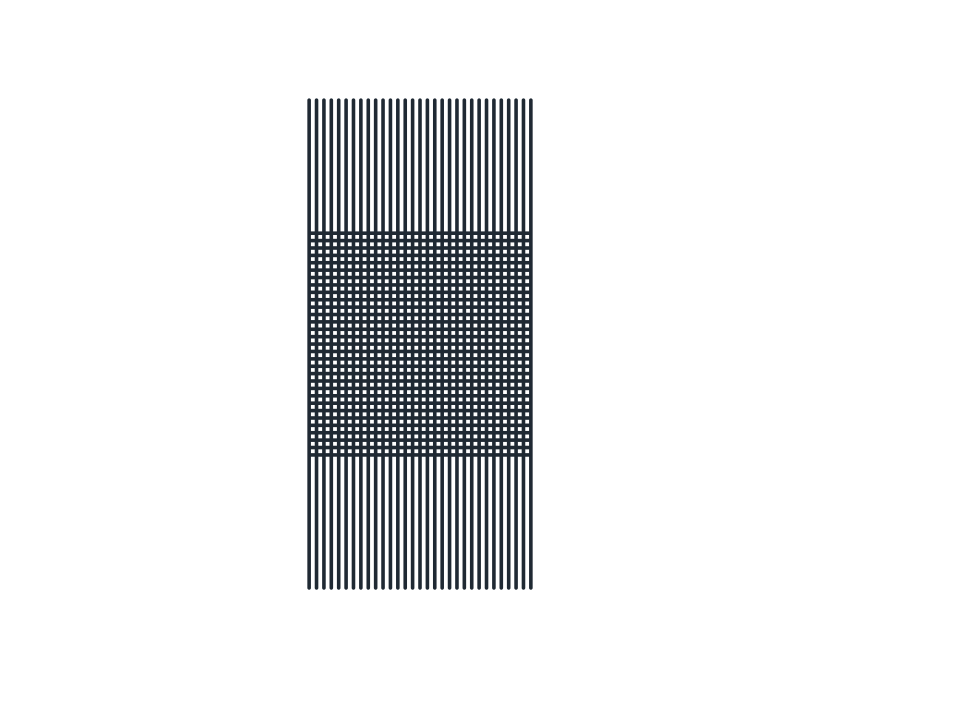
Halftone Cross
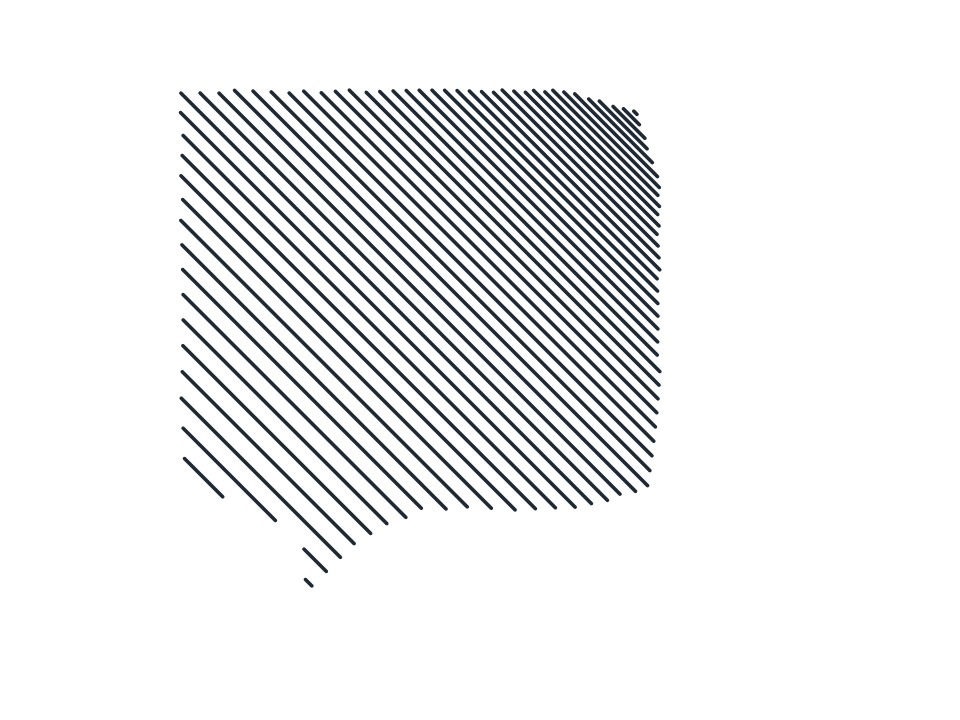
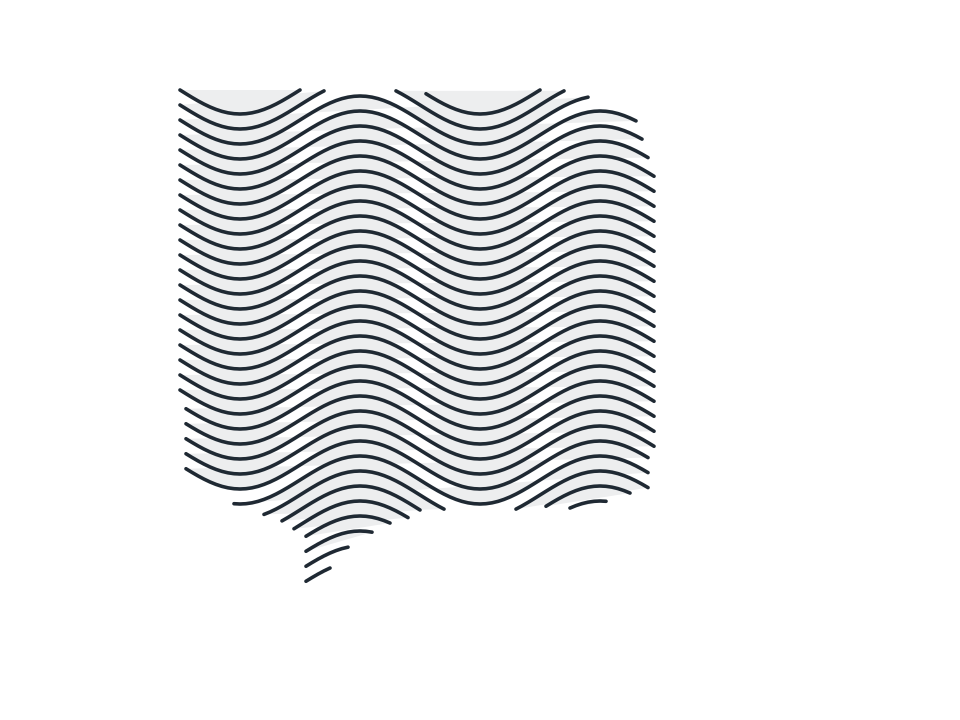
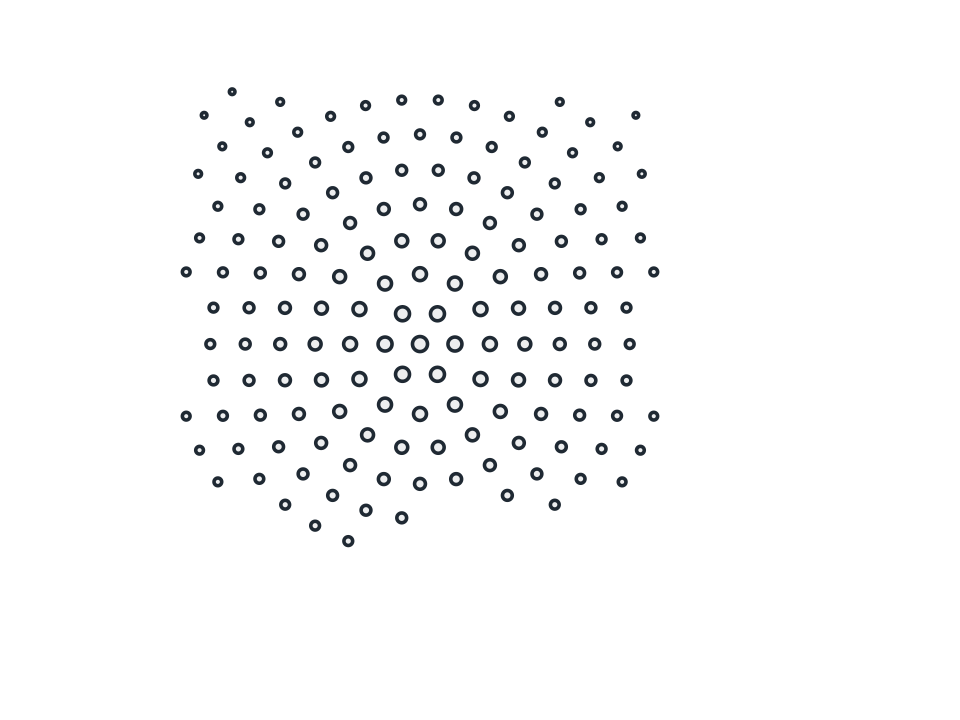
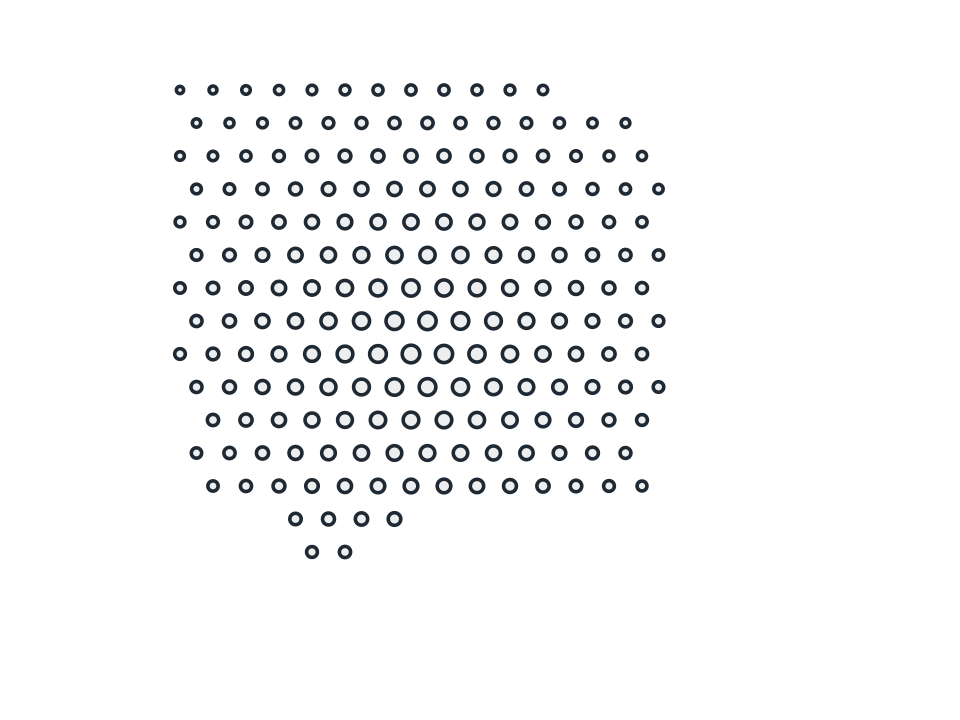
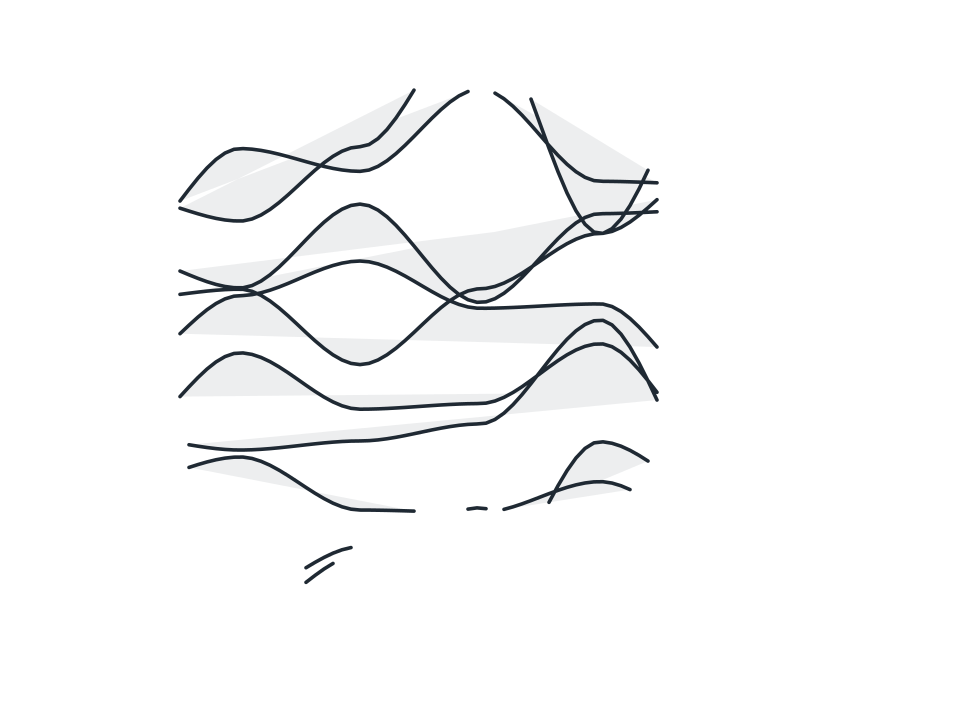
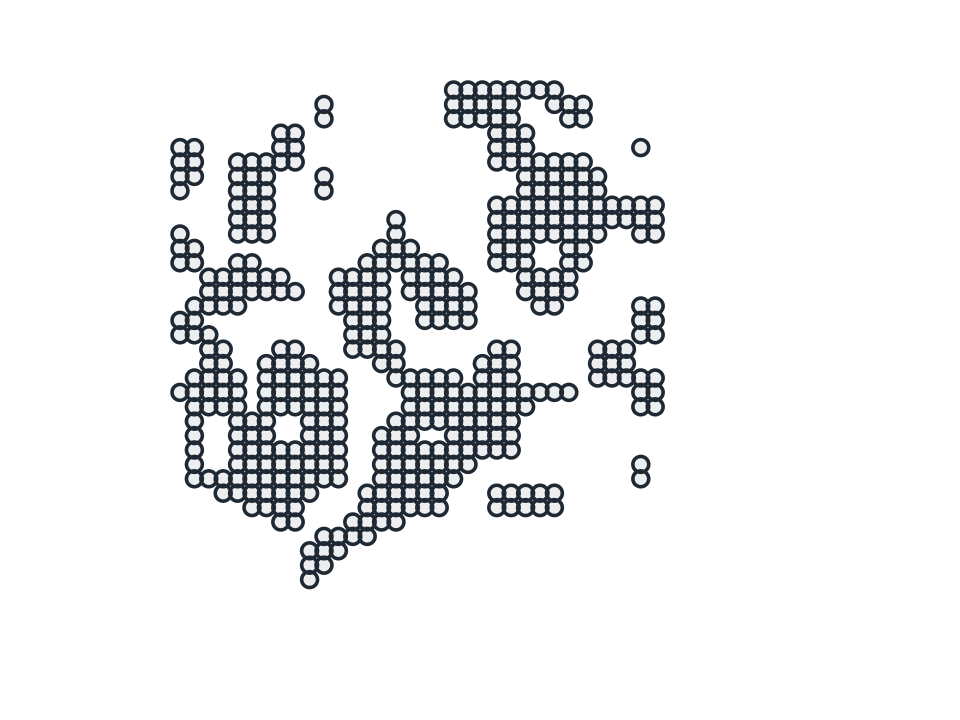
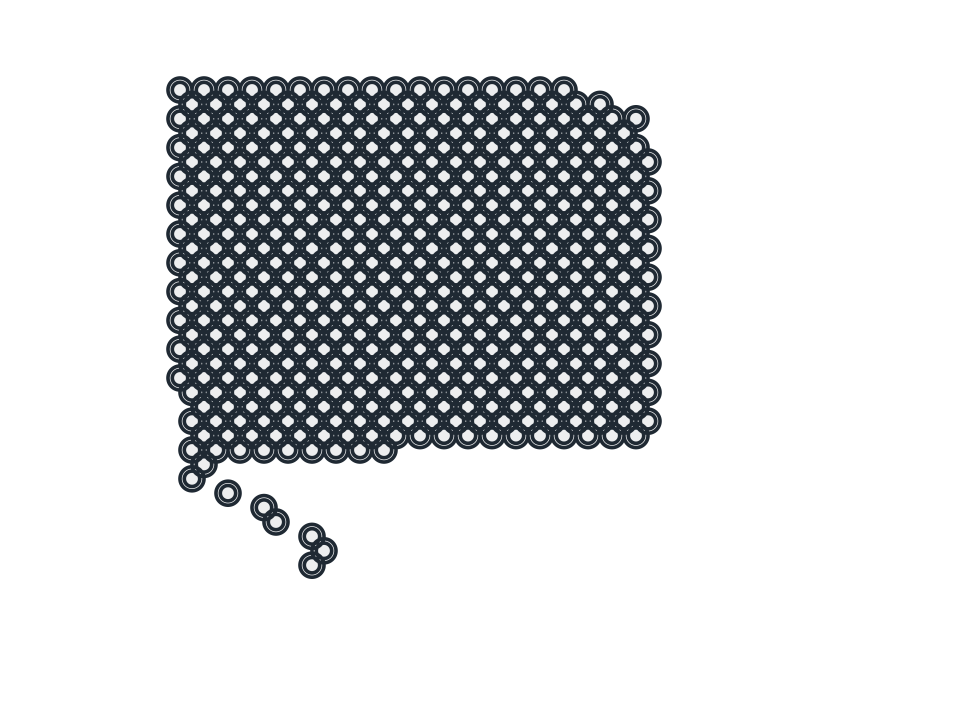
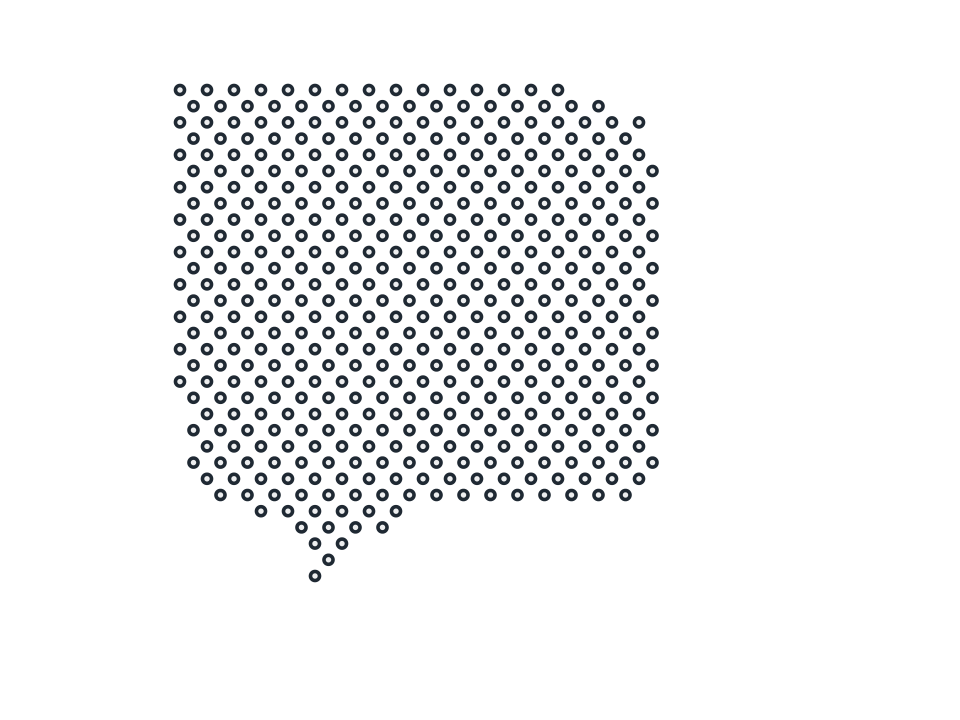
Two rule sets crossing at an angle you set, the crosshatch mesh for an engraved portrait, a woodcut pastiche or a screen printed tee.
FamilyTextures
Parameters2 adjustable
On canvas handlesno, adjust it in the panel
Destructiveno, the original path is kept
LicenceFree for commercial use
The 2 controls
Nothing here is baked in. Every value stays live on the object for as long as the file exists, so you can come back and retune it, reorder it against other effects, or take it off and get your original path back exactly as you drew it.
- Lines / Set4 to 90, default 30
- Cross Angle (deg)15 to 165, default 90