Cartography
Projection Warp
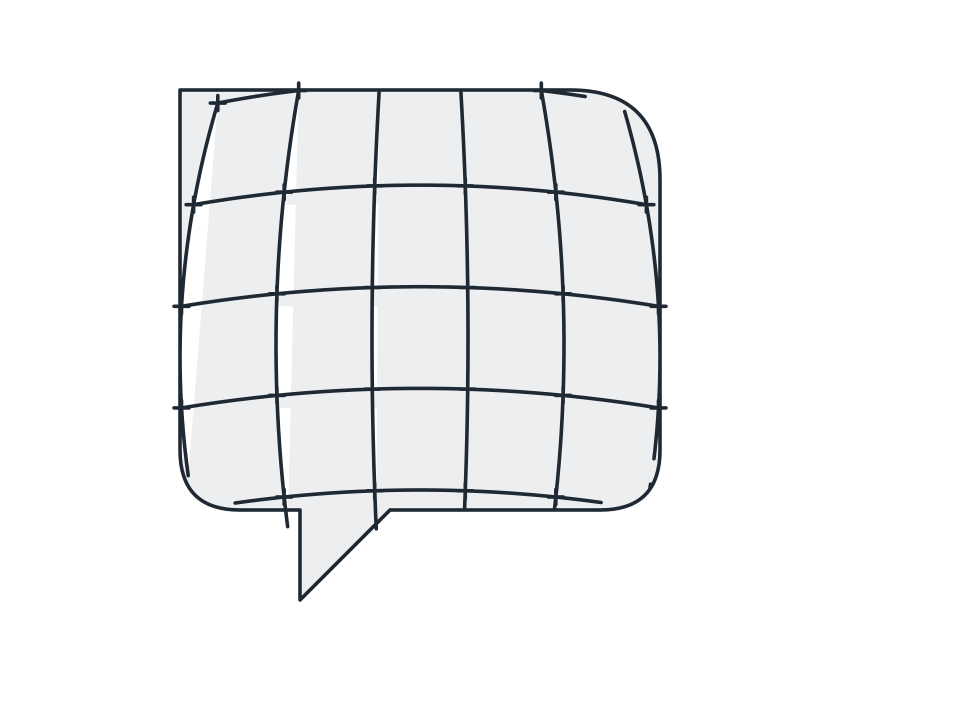
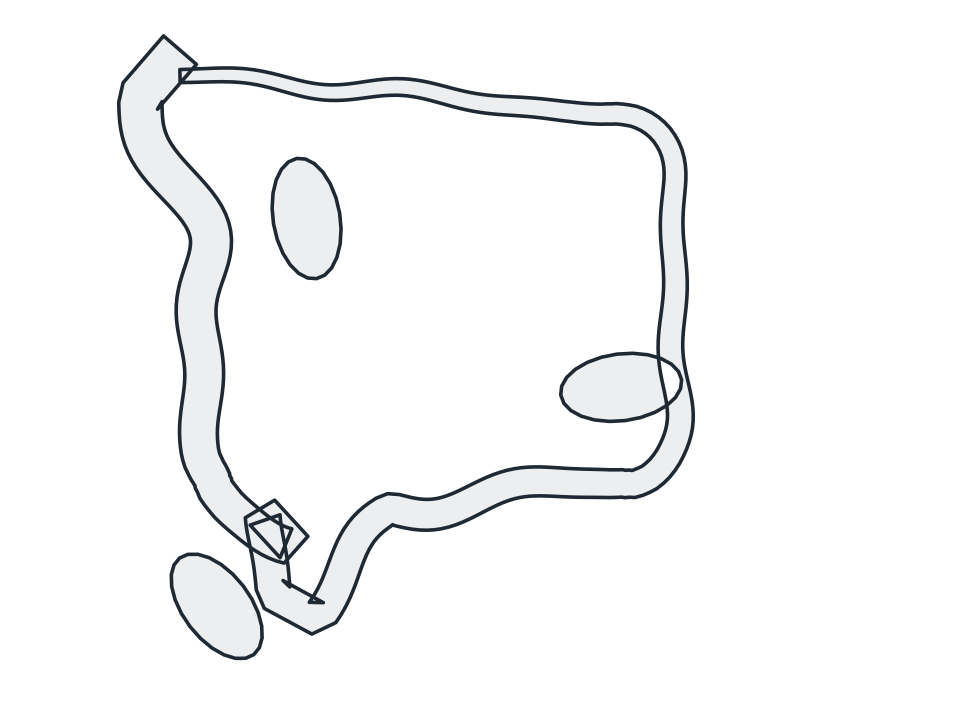
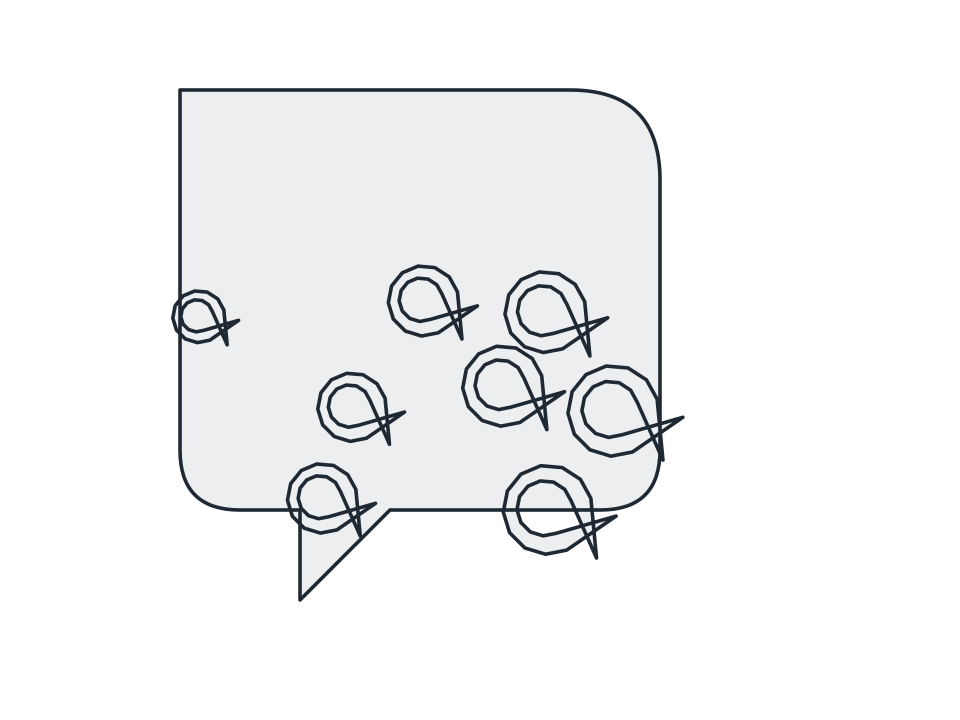
Push an outline through Mercator, sinusoidal, Mollweide or equirectangular maths so interior spacing redistributes about a chosen centre parallel, while the footprint stays put.
FamilyCartography
Parameters3 adjustable
On canvas handlesno, adjust it in the panel
Destructiveno, the original path is kept
LicenceFree for commercial use
The 3 controls
Nothing here is baked in. Every value stays live on the object for as long as the file exists, so you can come back and retune it, reorder it against other effects, or take it off and get your original path back exactly as you drew it.
- ProjectionMercator, Sinusoidal, Mollweide, Equirectangular
- Centre parallel-75 to 75, default 0
- Strength0 to 100, default 70