Convert
Marching Dots
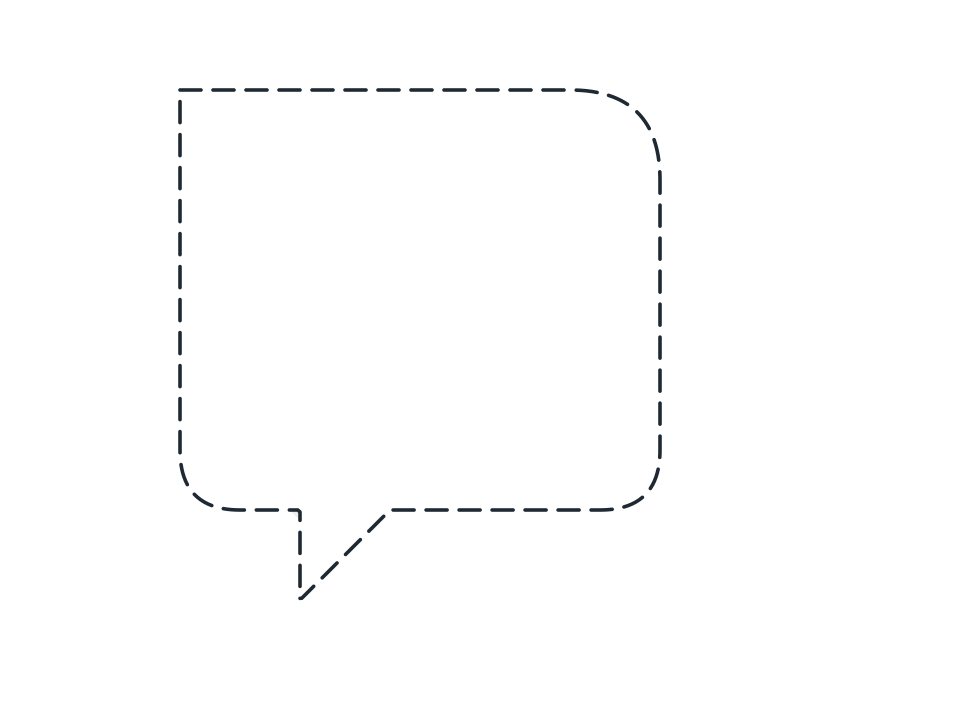
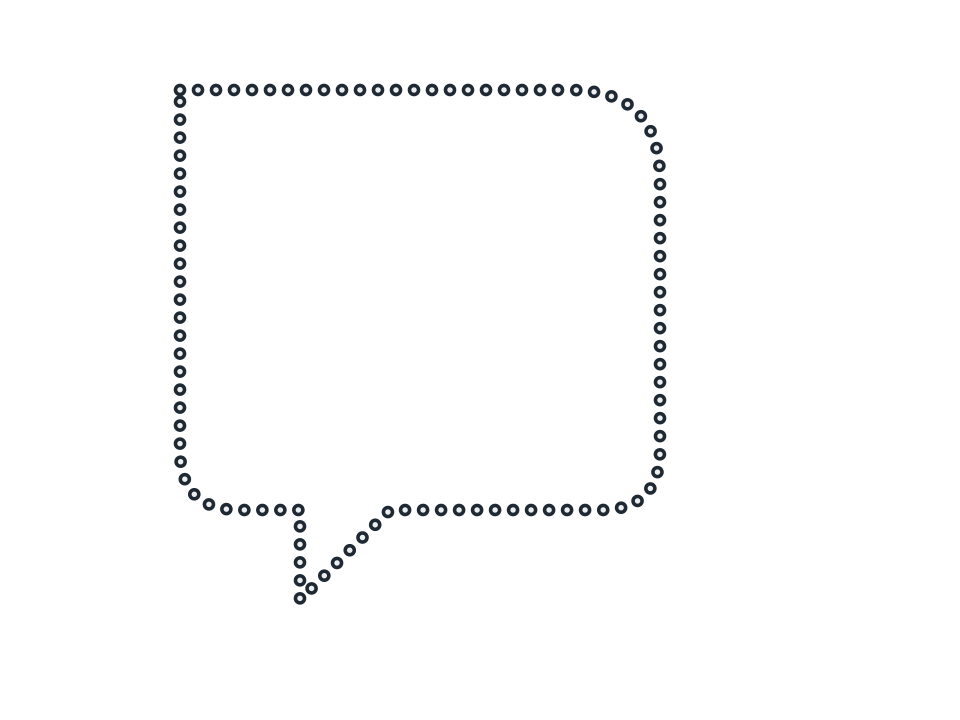
Evenly spaced dots round a shape read as a travel route on a map, a selection boundary in a UI mock-up, or a perforated tear line.
FamilyConvert
Parameters2 adjustable
On canvas handlesno, adjust it in the panel
Destructiveno, the original path is kept
LicenceFree for commercial use
The 2 controls
Nothing here is baked in. Every value stays live on the object for as long as the file exists, so you can come back and retune it, reorder it against other effects, or take it off and get your original path back exactly as you drew it.
- Spacing3 to 80, default 12
- Dot1 to 20, default 3