Drafting
Section Hatch
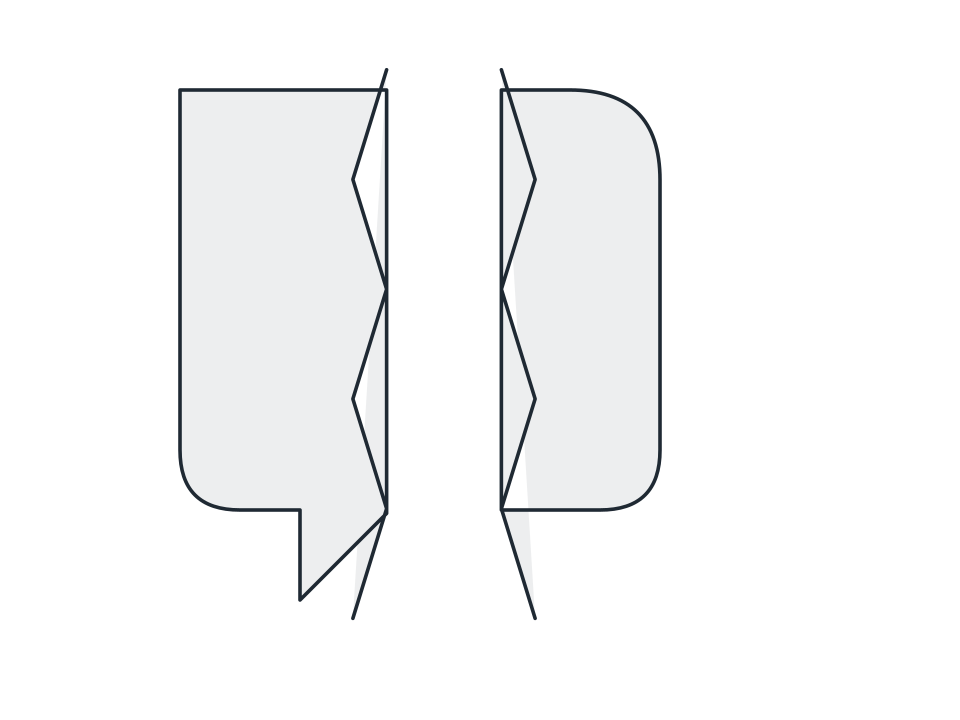
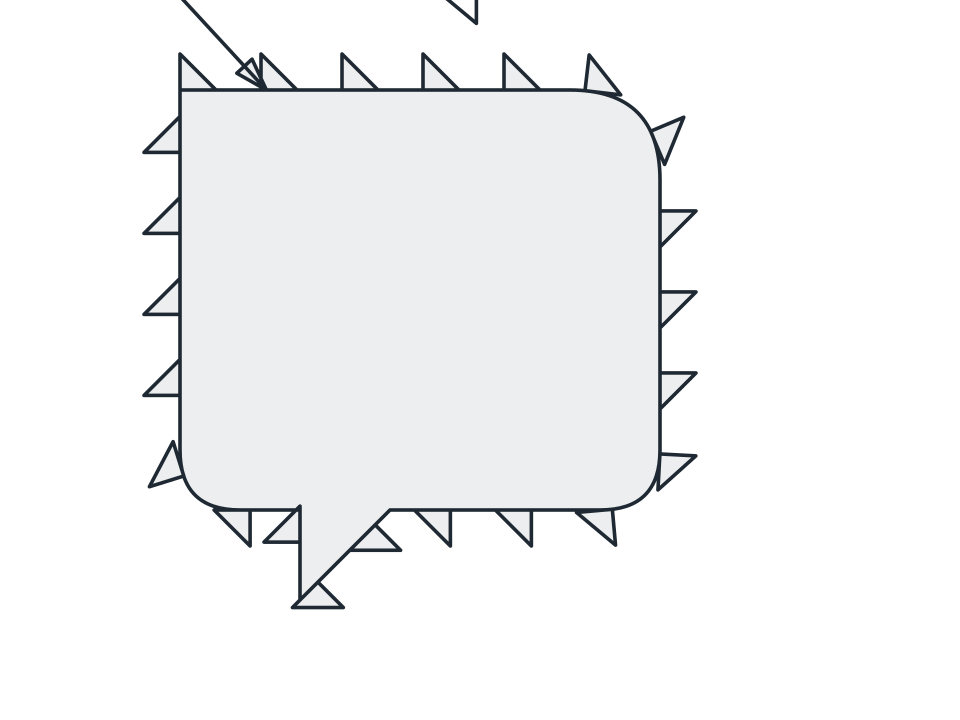
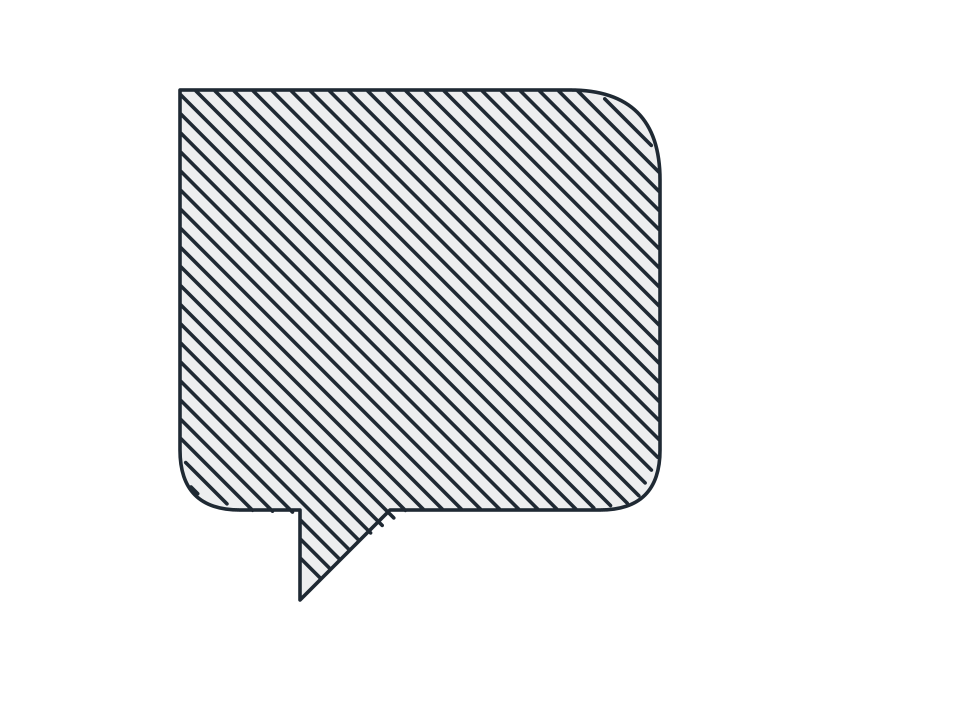
Fill a cut face with ruled lines at your chosen angle and spacing, flipping alternate subpaths so two adjoining components read as separate parts.
FamilyDrafting
Parameters3 adjustable
On canvas handlesno, adjust it in the panel
Destructiveno, the original path is kept
LicenceFree for commercial use
The 3 controls
Nothing here is baked in. Every value stays live on the object for as long as the file exists, so you can come back and retune it, reorder it against other effects, or take it off and get your original path back exactly as you drew it.
- Spacing2 to 200, default 9
- Base angle-180 to 180, default 45
- FlipAlternate subpaths, Never, All flipped