Lettering
Sign Painter Highlight
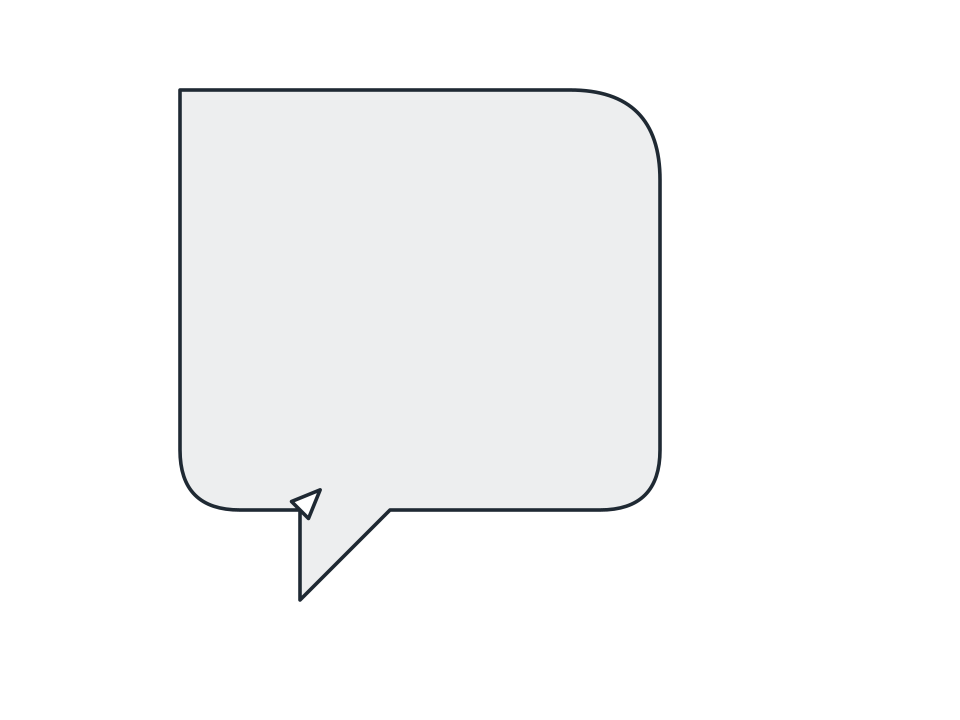
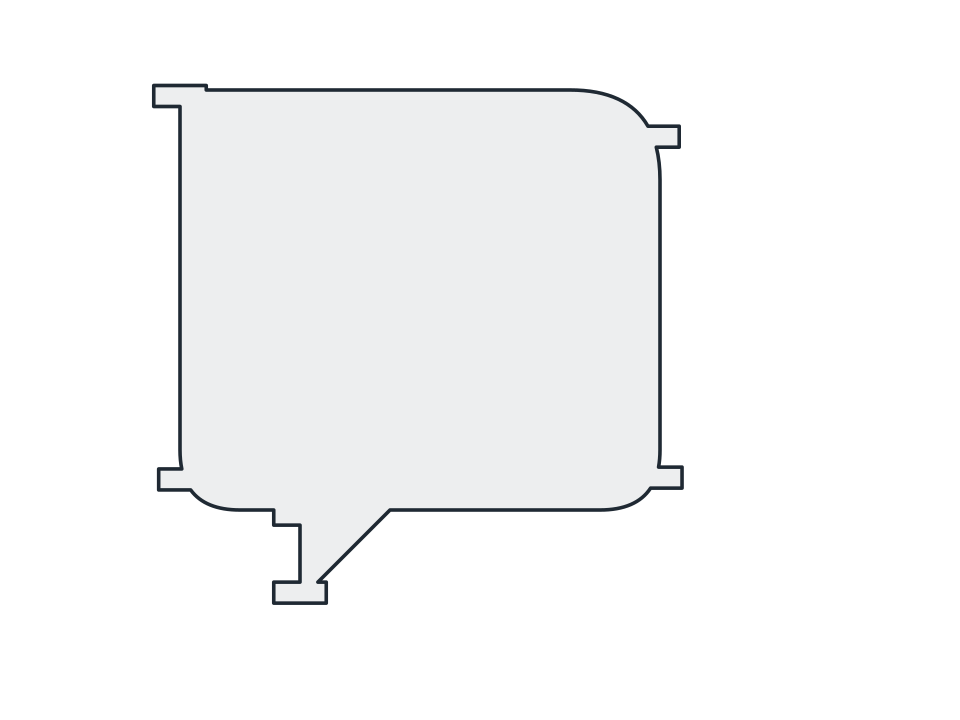
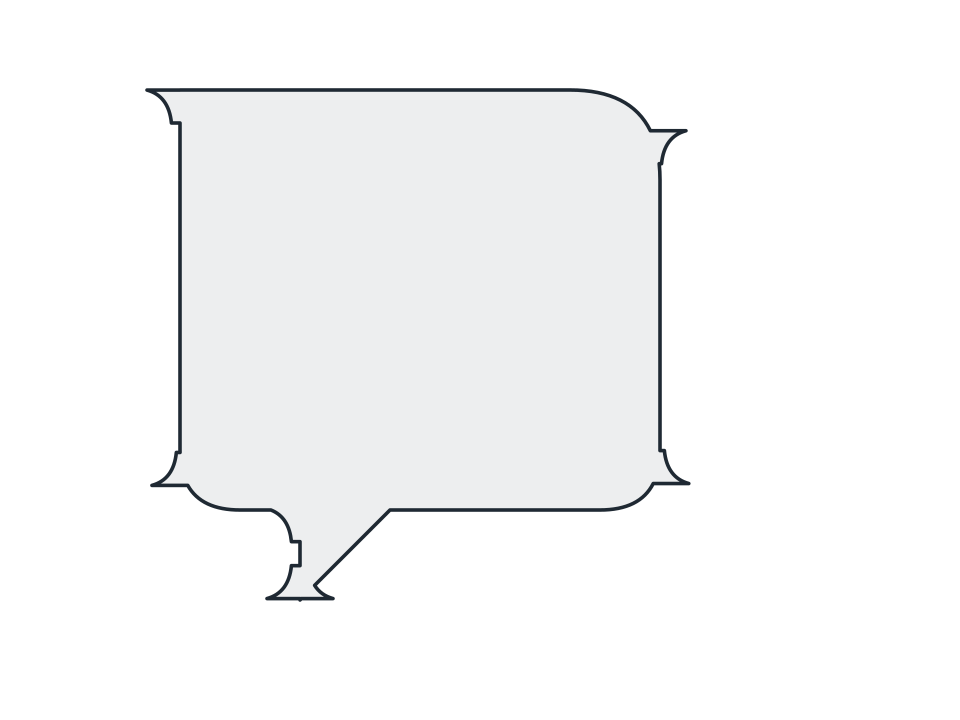
Knock a thin sliver out just inside the edge facing a light angle you set, so whatever sits behind shows through as the glint on gold-leaf signwriting.
FamilyLettering
Parameters3 adjustable
On canvas handlesyes, drag it on the shape
Destructiveno, the original path is kept
LicenceFree for commercial use
The 3 controls
Nothing here is baked in. Every value stays live on the object for as long as the file exists, so you can come back and retune it, reorder it against other effects, or take it off and get your original path back exactly as you drew it.
- Width0.5 to 200, default 7
- Light angle-180 to 180, default -135
- Gap0 to 200, default 6