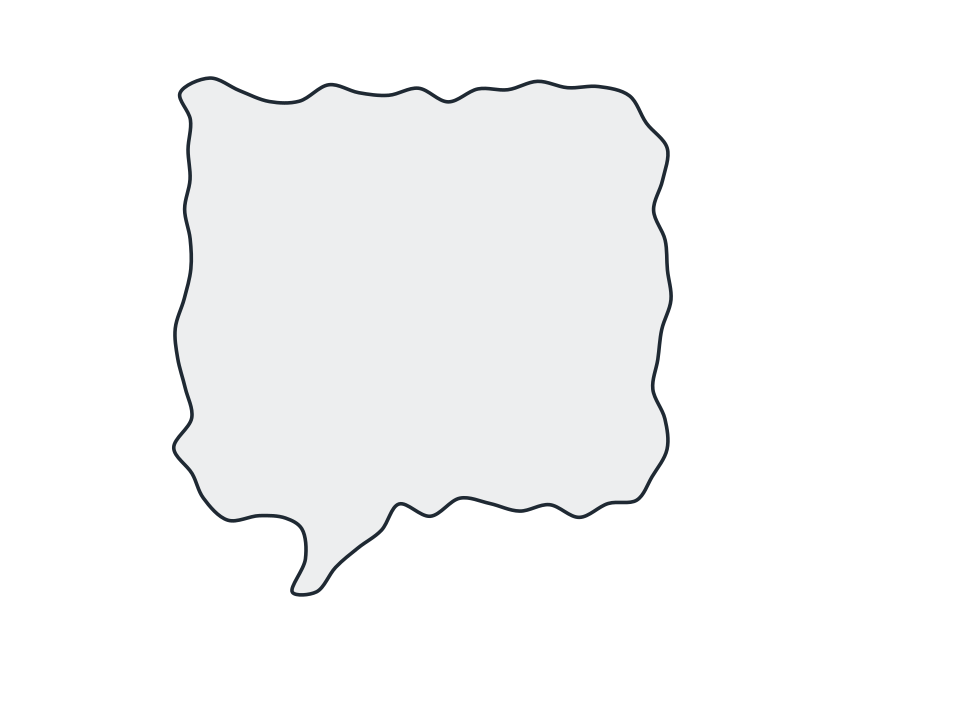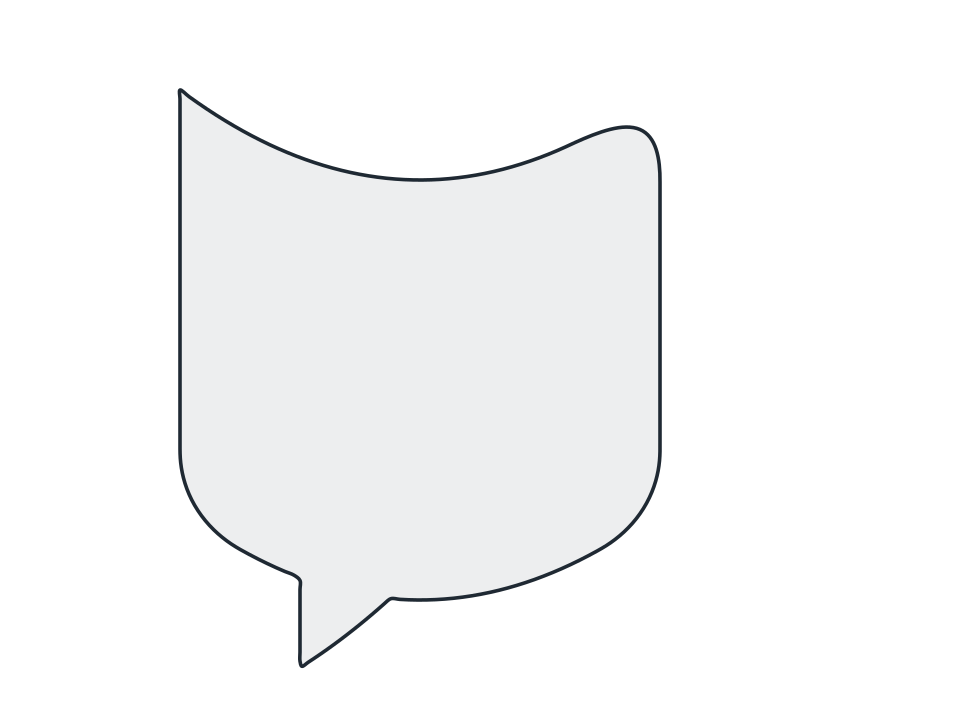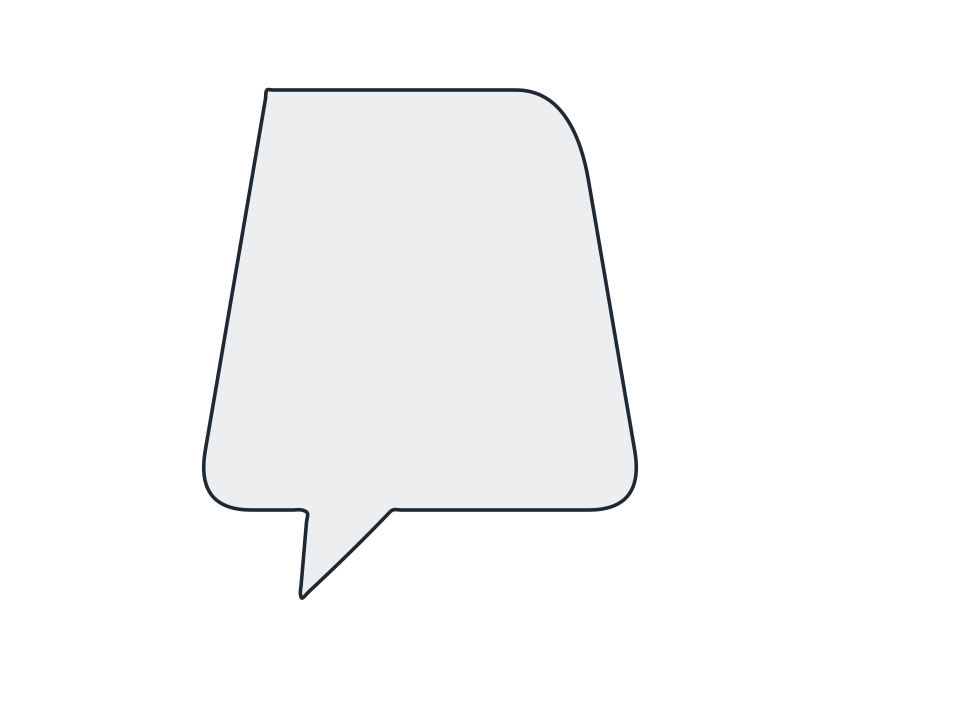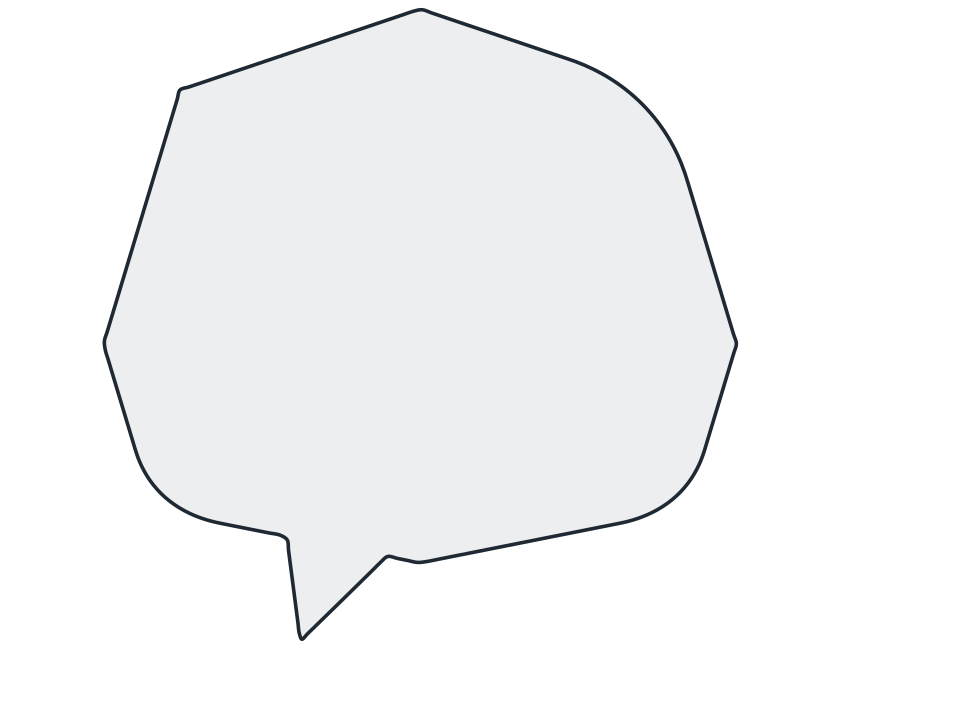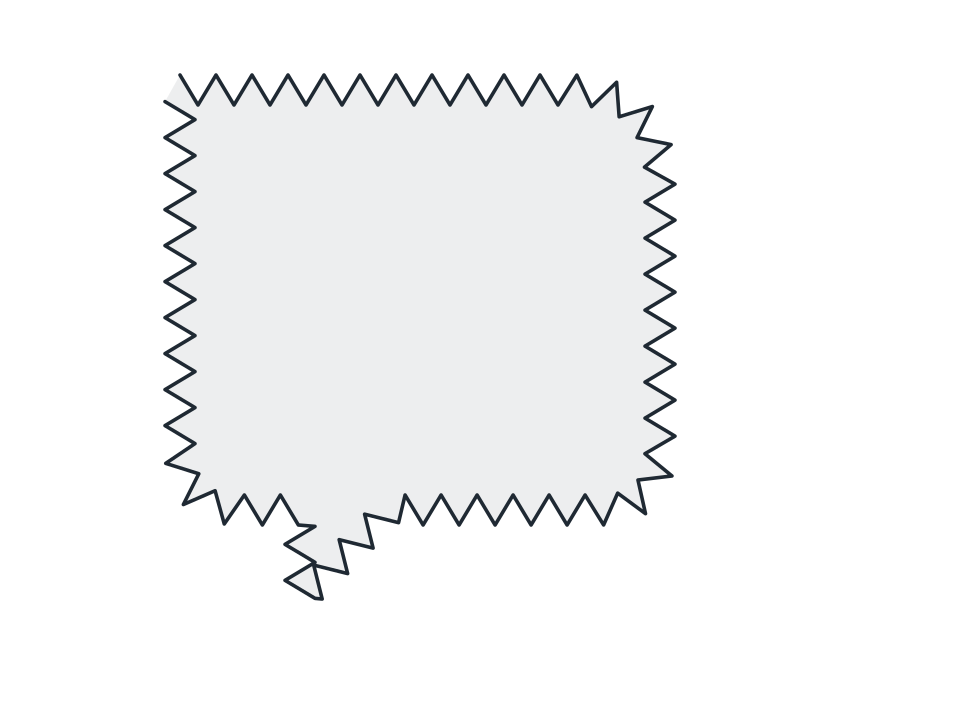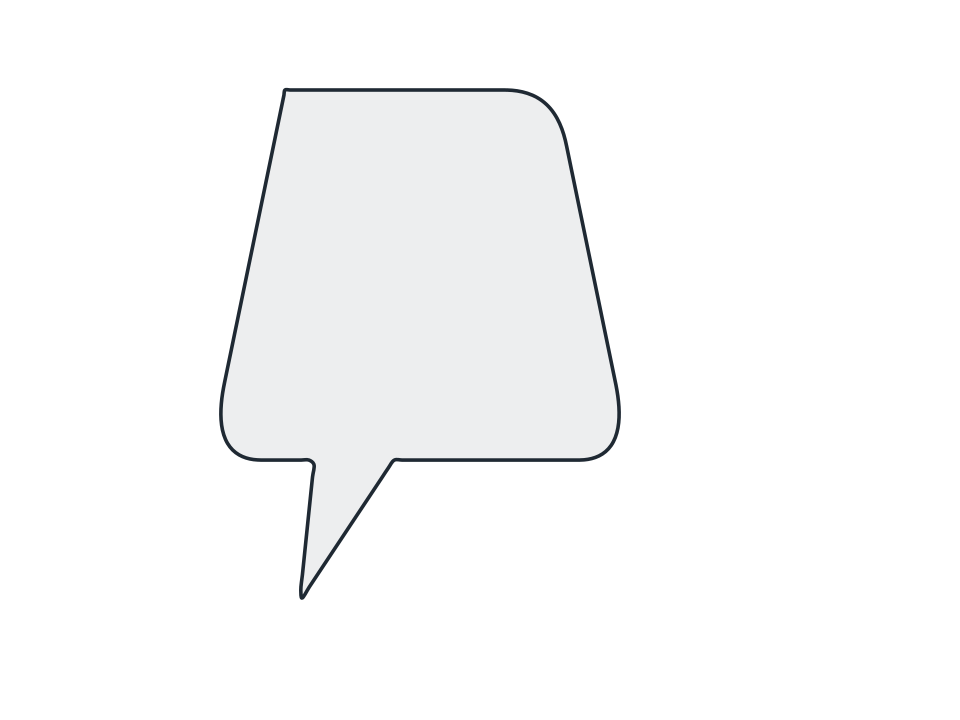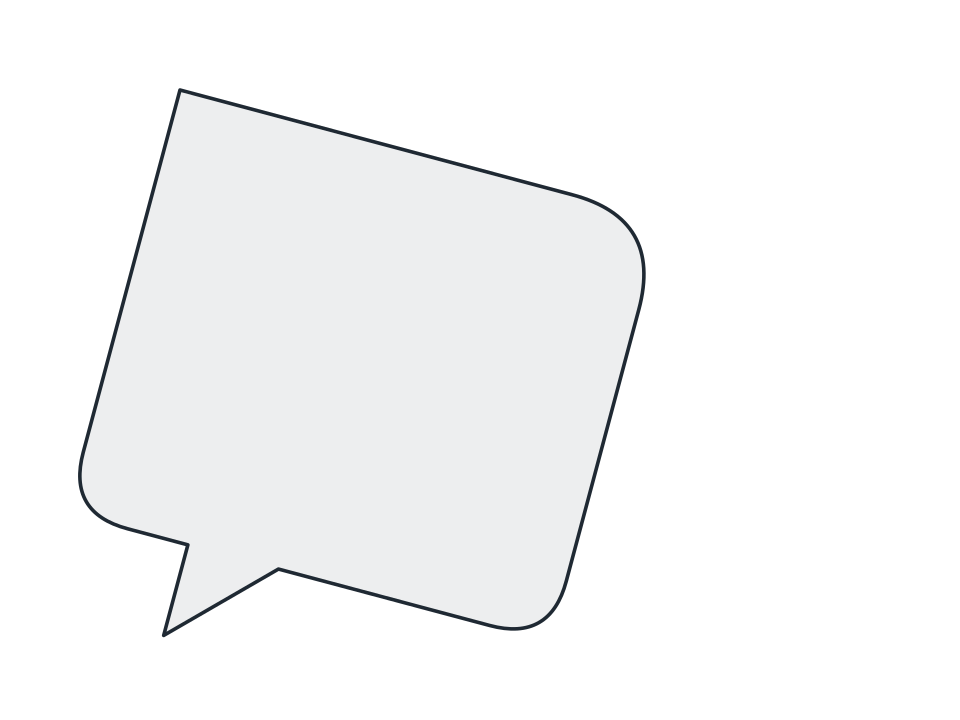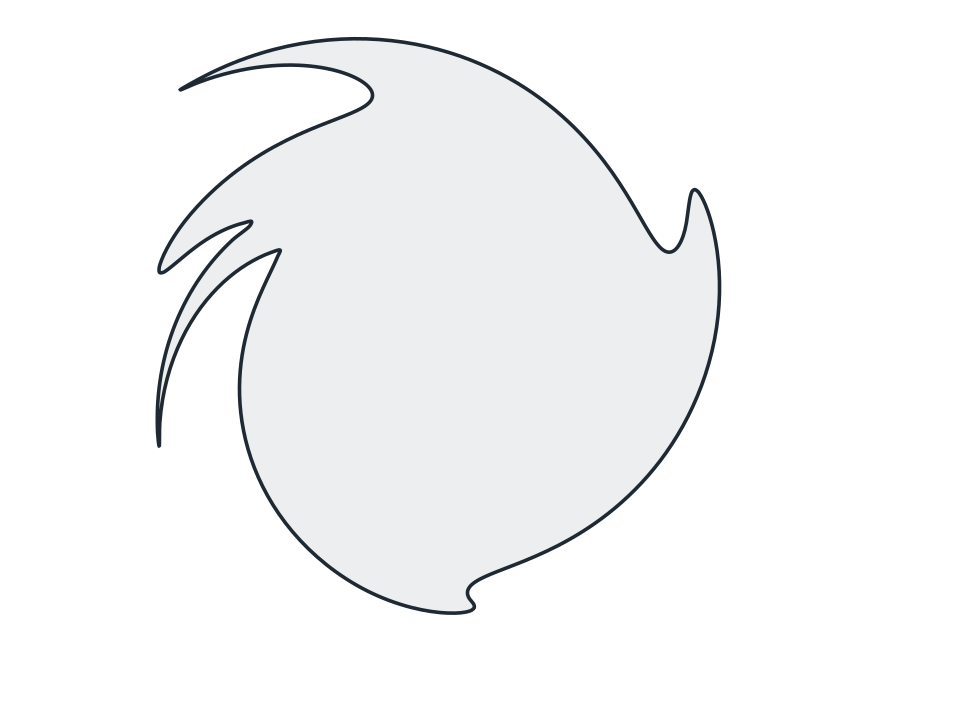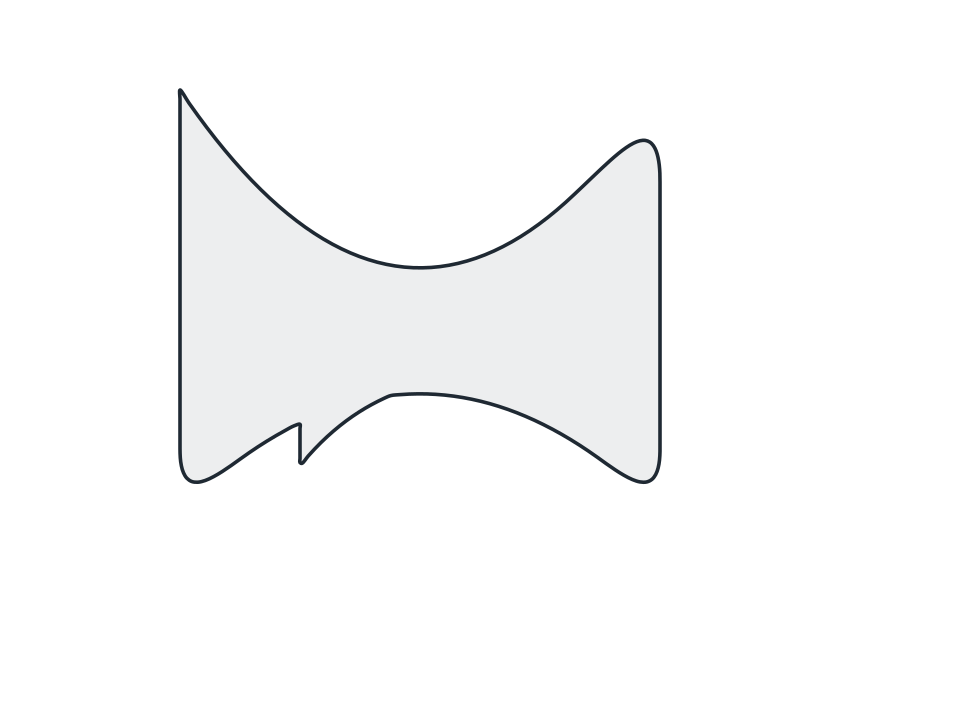
Distort
Taper Both Ends
Pinch both ends and leave the middle full, the profile of a leaf, an eye, a surfboard or a lens diagram on a physics sheet.
FamilyDistort
Parameters2 adjustable
On canvas handlesno, adjust it in the panel
Destructiveno, the original path is kept
LicenceFree for commercial use
The 2 controls
Nothing here is baked in. Every value stays live on the object for as long as the file exists, so you can come back and retune it, reorder it against other effects, or take it off and get your original path back exactly as you drew it.
- AxisHorizontal, Vertical
- Taper-100 to 100, default 70