Cartography
Ridge Lines
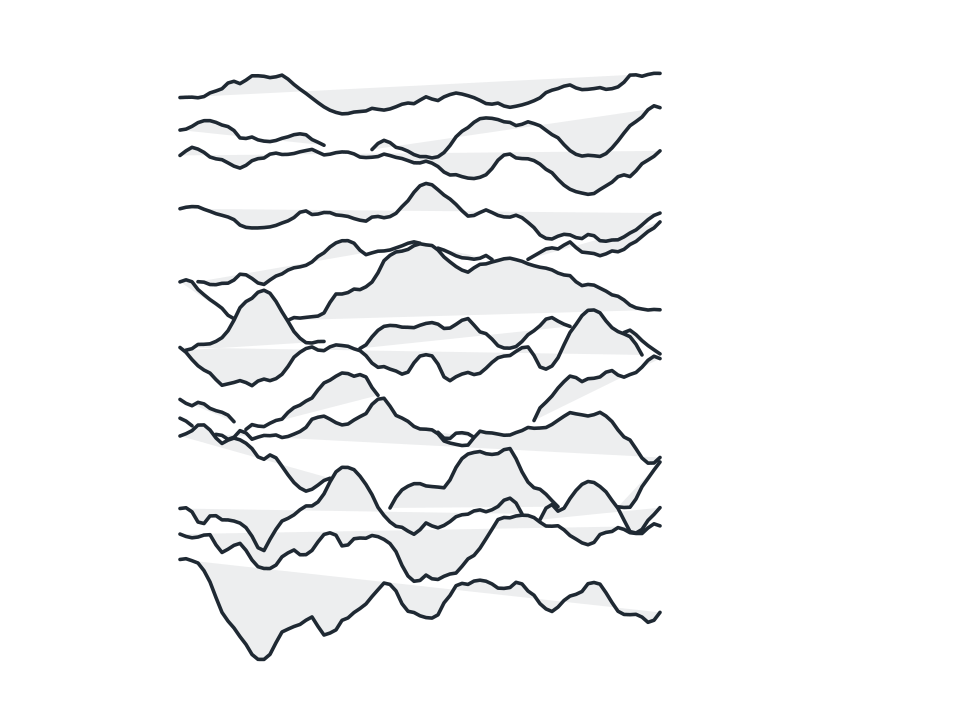
Replace a block with stacked terrain profiles drawn front to back, each row hidden wherever the crests already in front of it rise higher.
FamilyCartography
Parameters4 adjustable
On canvas handlesno, adjust it in the panel
Destructiveno, the original path is kept
LicenceFree for commercial use
The 4 controls
Nothing here is baked in. Every value stays live on the object for as long as the file exists, so you can come back and retune it, reorder it against other effects, or take it off and get your original path back exactly as you drew it.
- Rows2 to 40, default 14
- Amplitude0.5 to 600, default 26
- Roughness0 to 100, default 55
- Seed0 to 9999, default 17