Drafting
Chamfer
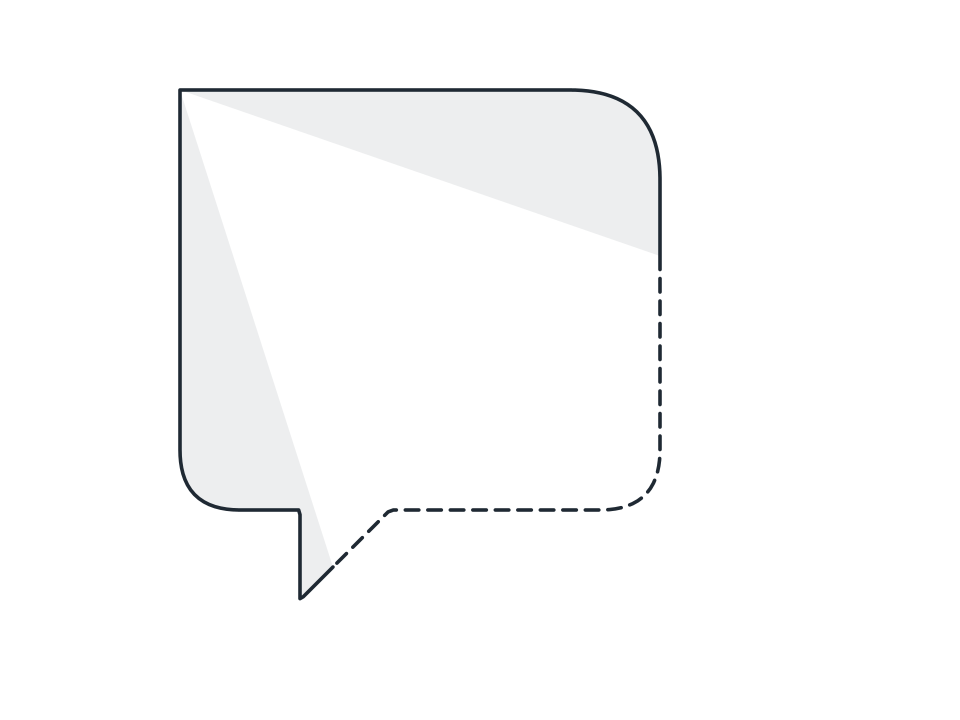
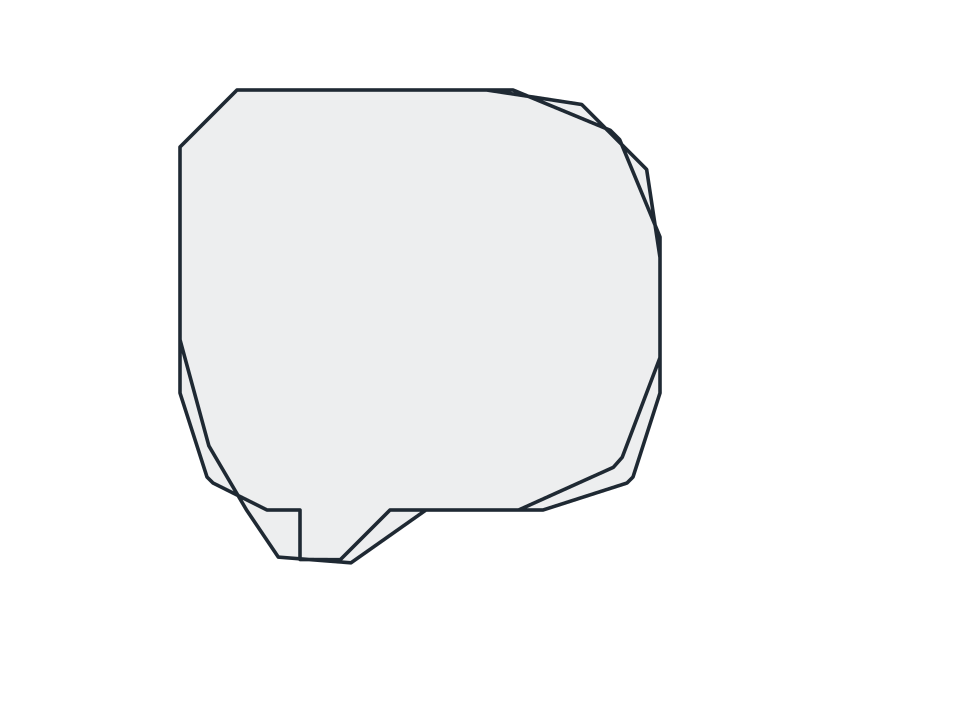
Take the sharp edge off machined corners, cutting only those tighter than your angle threshold, and skew the cut with asymmetry when one face must stay longer.
FamilyDrafting
Parameters3 adjustable
On canvas handlesno, adjust it in the panel
Destructiveno, the original path is kept
LicenceFree for commercial use
The 3 controls
Nothing here is baked in. Every value stays live on the object for as long as the file exists, so you can come back and retune it, reorder it against other effects, or take it off and get your original path back exactly as you drew it.
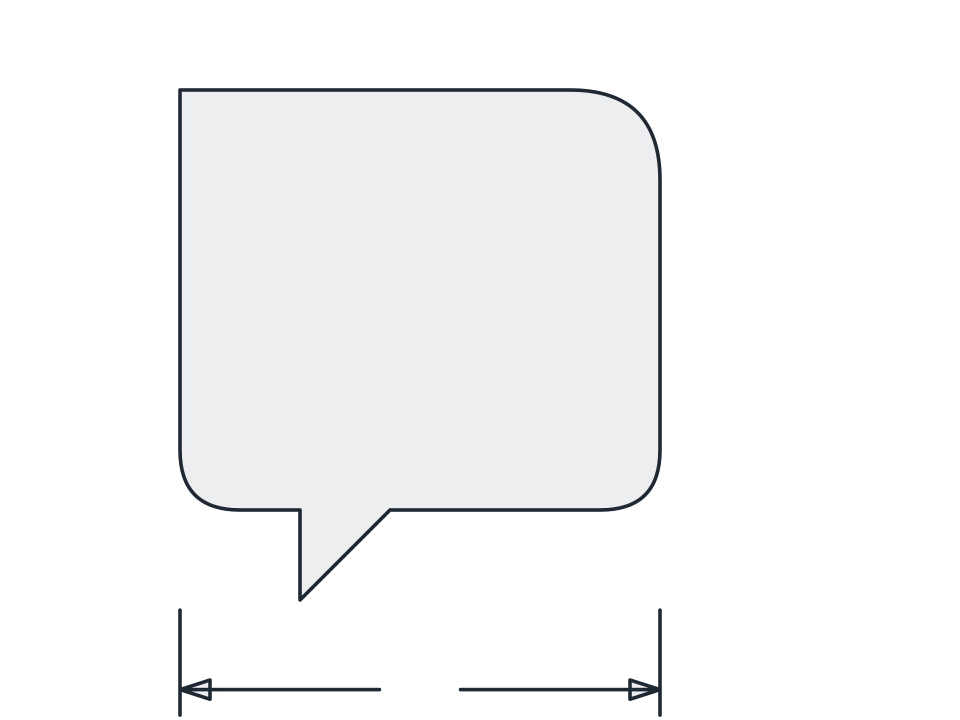
- Size0.5 to 300, default 12
- Angle threshold10 to 179, default 155
- Asymmetry-80 to 80, default 0