Coming soon
Pixel mode is coming soon.
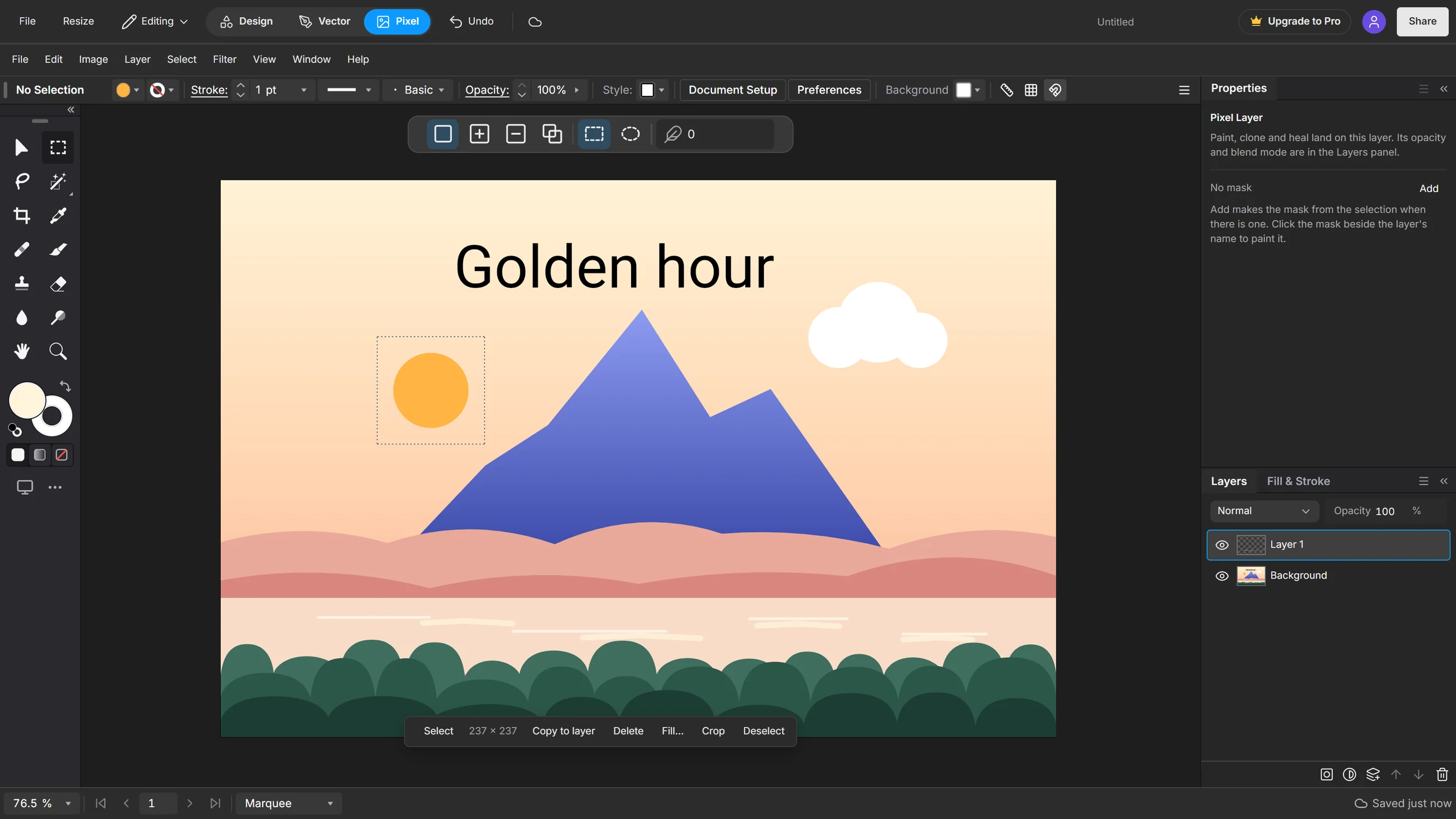
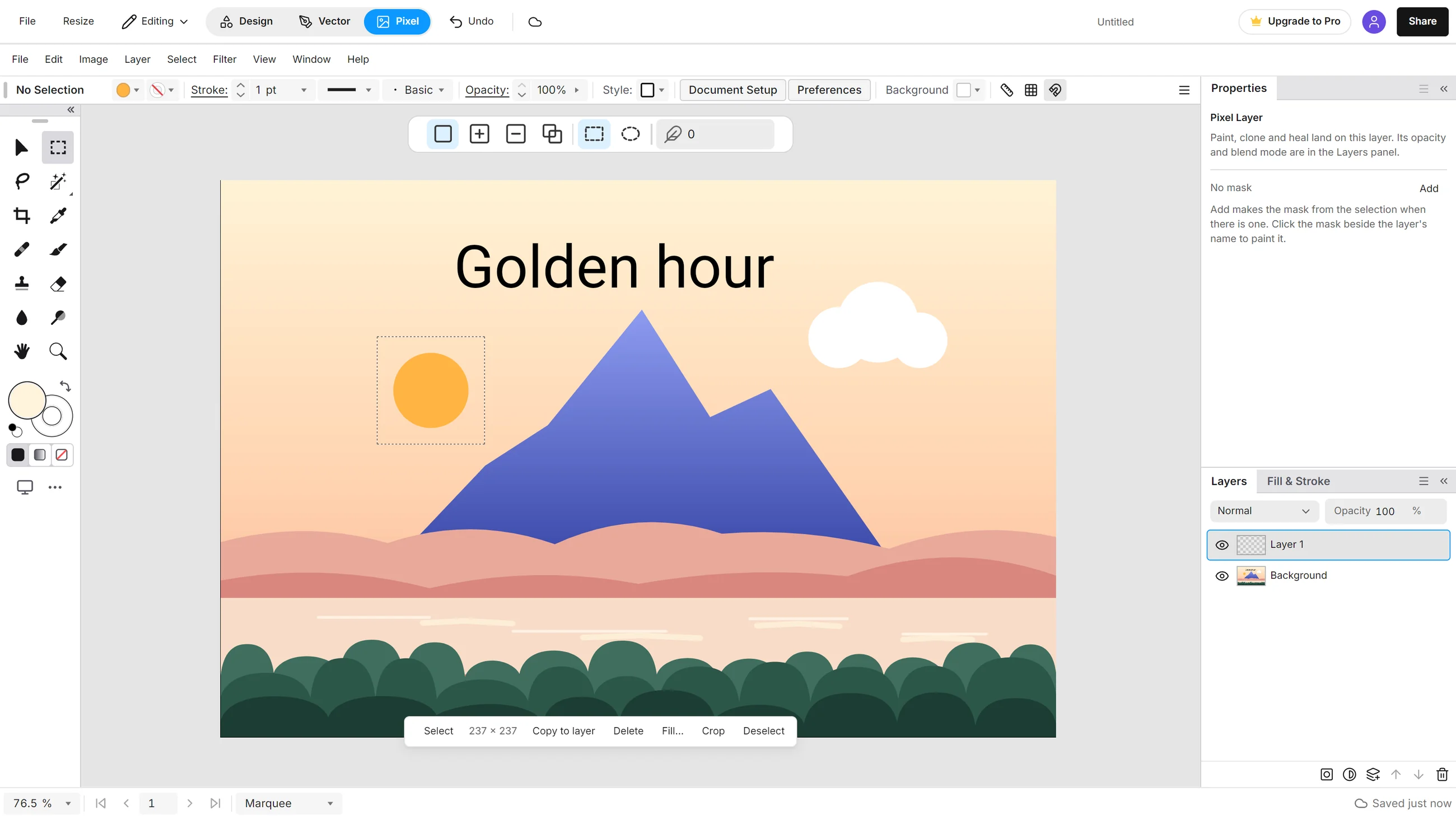
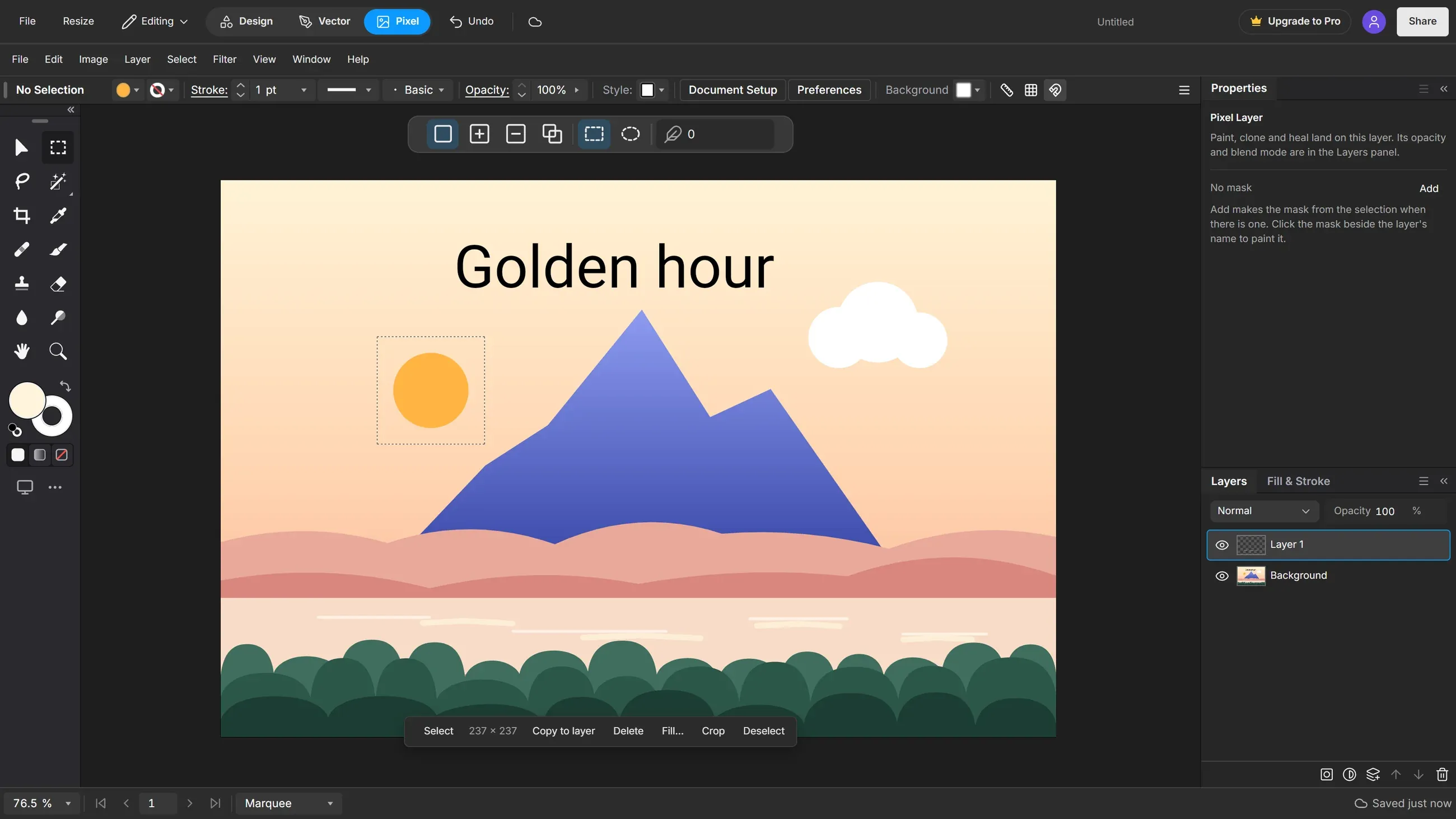
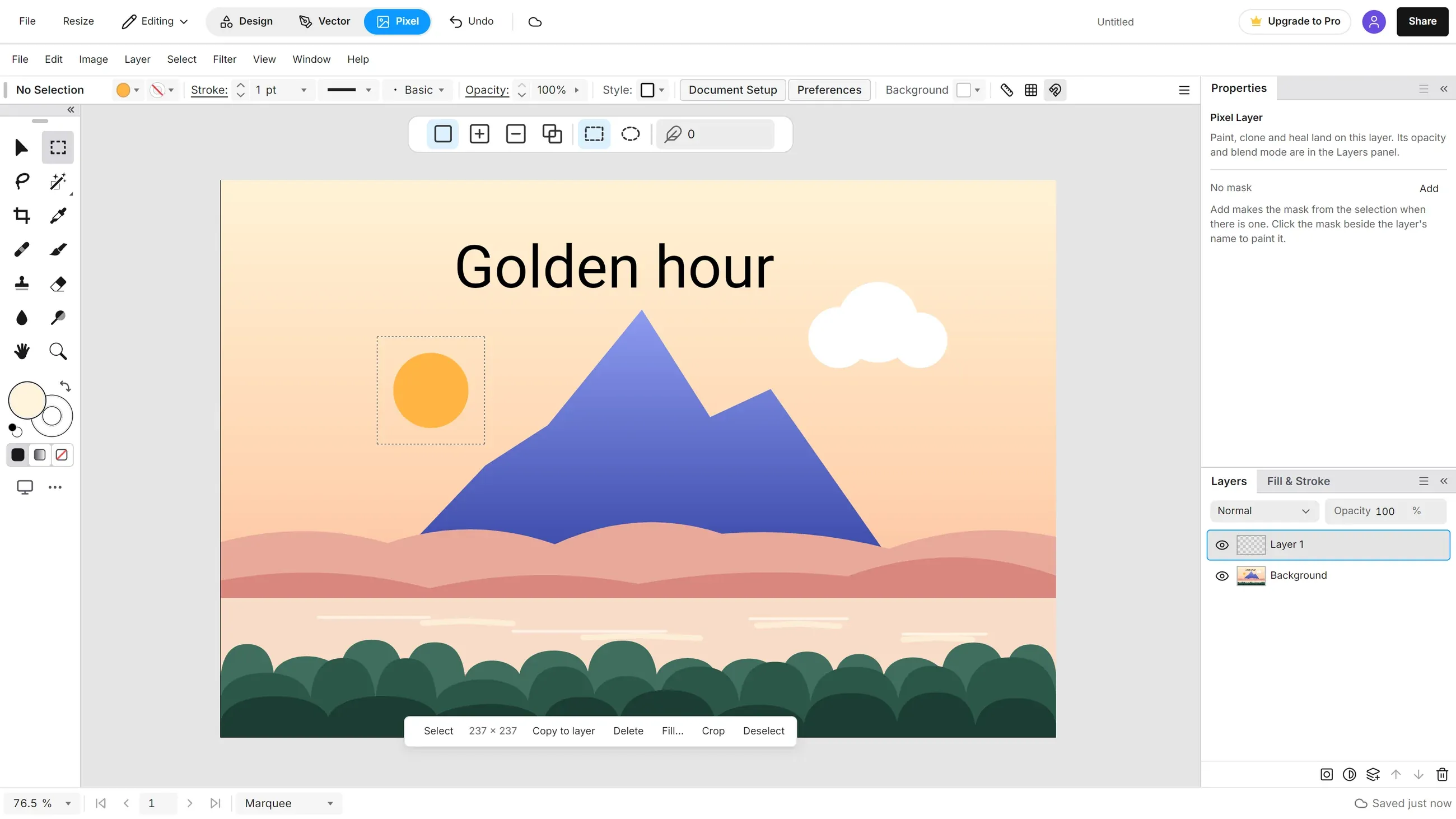
Photo editing, pixel by pixel: retouch, select, mask and adjust, in the same document as your design.
See Pixel in the editorPixel is not open yet. Design and Vector work today.
What Pixel will do
None of this is open yet. It is what the mode is being built to do.
Standout features
Heal and Clone
Take out marks and stray objects with Spot Heal, Heal, Remove and Clone.
Selections
Marquee, Lasso and Wand, plus a Select Subject that runs on your device.
Masks
Hide part of a layer without erasing it. Remove Background will be a mask too.
Adjust layers
Levels, Curves, Gradient Map and more, each on a layer you can change later.
Planned tools, in groups
Selections8
- Marquee
- Lasso
- Polygonal Lasso
- Wand
- Select Object
- Select Subject
- Refine Edge
- Feather
Retouch5
- Spot Heal
- Heal
- Remove
- Red Eye
- Clone
Paint5
- Brush
- Eraser
- Dropper
- Fill
- Foreground and background
Tone and focus6
- Blur
- Sharpen
- Smudge
- Lighten
- Darken
- Saturate
Crop and reshape4
- Crop
- Crop to Selection
- Free Transform
- Move
Adjust layers16
- Brightness/Contrast
- Levels
- Curves
- Exposure
- Vibrance
- Hue/Saturation
- Color Balance
- Black & White
- Photo Filter
- Channel Mixer
- Invert
- Posterize
- Threshold
- Gradient Map
- Selective Color
- Auto Tone
Filters6
- Raw Develop
- Melt
- Gaussian Blur
- Reduce Noise
- Unsharp Mask
- High Pass
Layers and masks8
- Layer Mask
- Clipping Mask
- Remove Background
- 16 blend modes
- Merge Down
- Merge Visible
- Stamp Visible
- Flatten Image
Compare and export4
- Before view
- Copy Merged
- Export PNG
- Export JPG
One document, three modes
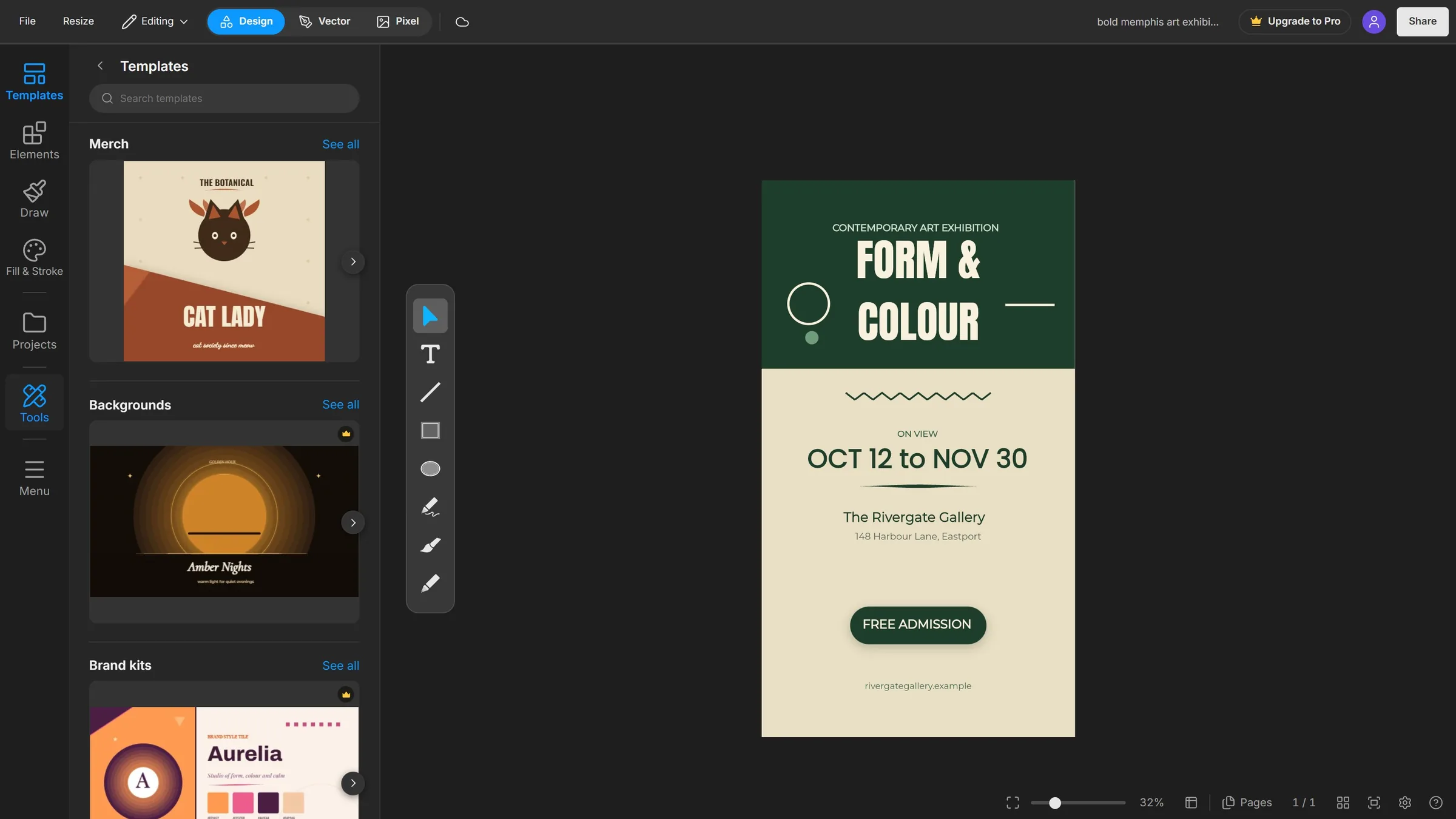
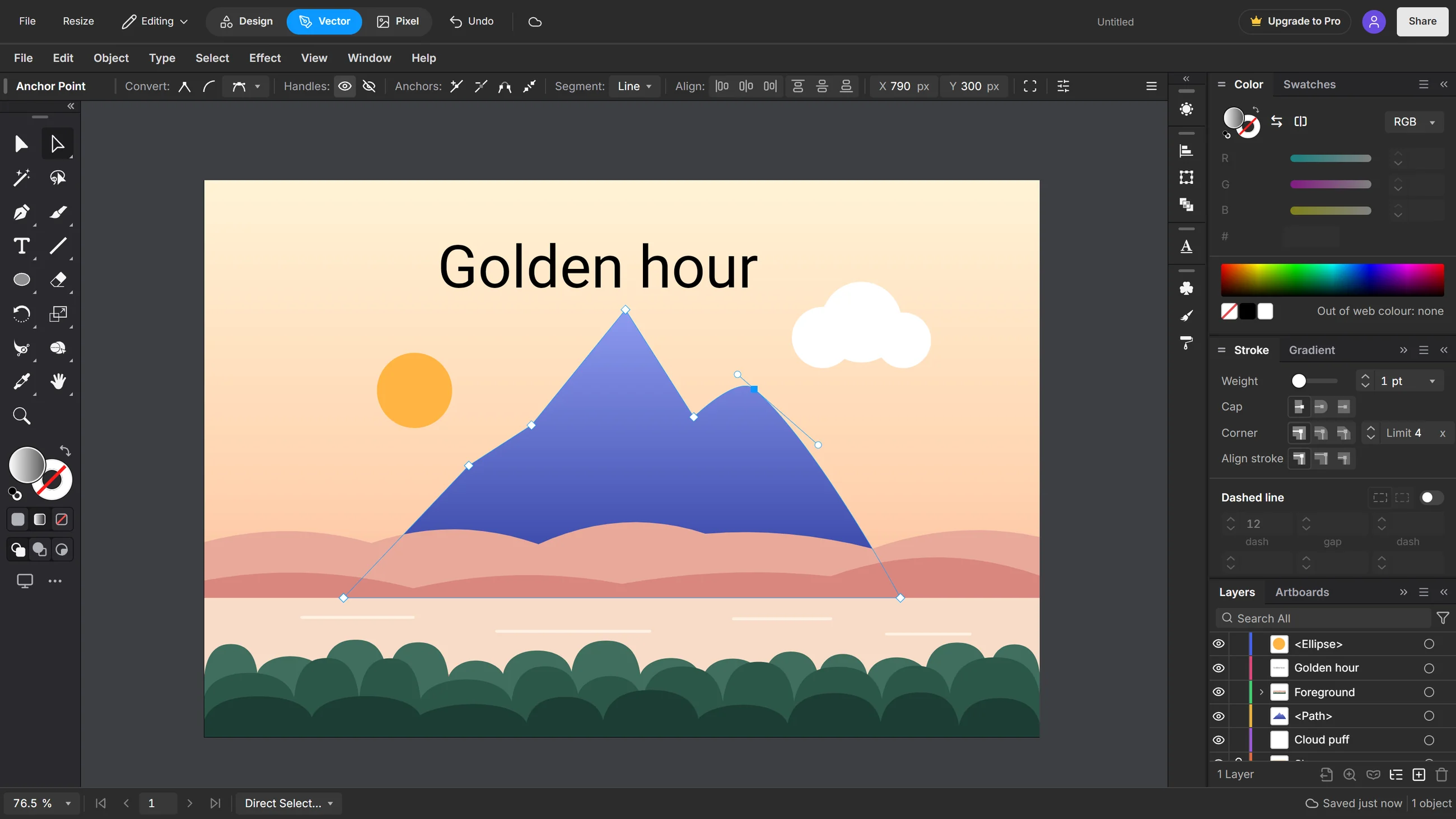
Pixel will work on the same document as Design and Vector. Switch modes and nothing gets flattened.
What the button does today
It opens the editor on the Pixel Coming soon page, with your document safe in Design or Vector. One press takes you back.
What you can use today
Design and Vector are free. Pro or the 14-day trial unlocks Agent Connect, more storage and premium assets.
Questions
Can I use Pixel today?
Not yet. The button on this page opens the editor on a Coming soon page, and Design and Vector work as usual.
What can I use now?
Design and Vector, both in the Free plan, with every tool.
Will my work carry over?
Pixel will open the same document you made in Design or Vector, so you will not need to export anything first.
Start in Design or Vector today.
Open Design Open VectorPixel is not open yet. Design and Vector work today.