SLOW Record Fair
流れ落ちる言葉
Text, Create Outlines, Envelope, Blend
実際のエディターで再生します。あなたの作業には触れません。
再生を開始できませんでした。もう一度試すか、エディターを開いて手順をたどってください。
実際のエディターでライブ再生も見られます。スマホを横にすると大きく見えます。
手順
 1
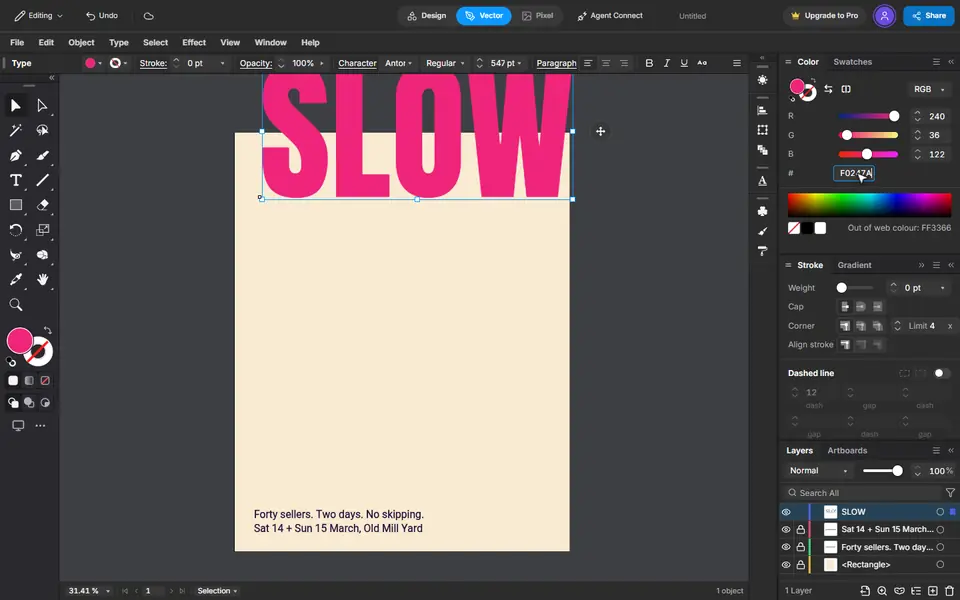
Type the word
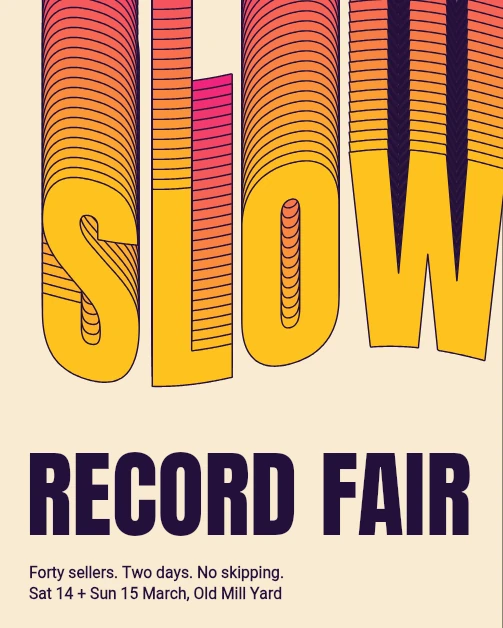
Press T, click the page and type SLOW. Set the size and the font on the bar, and the colour in the Color panel.
 2
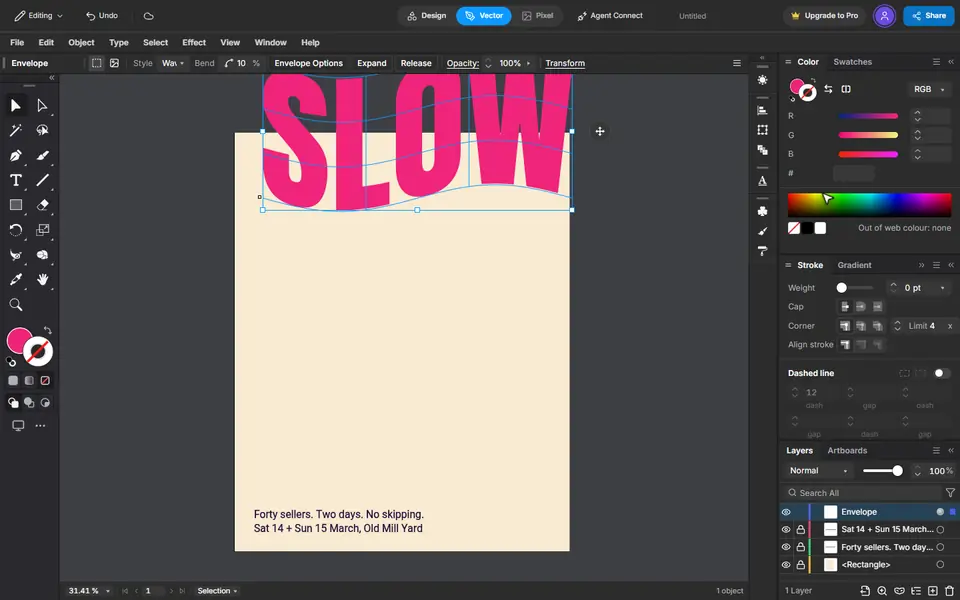
Make it shapes, then bend it
Type, Create Outlines turns the letters into shapes. Object, Envelope Distort, Make with Warp bends them: Wave, a small bend.
 3
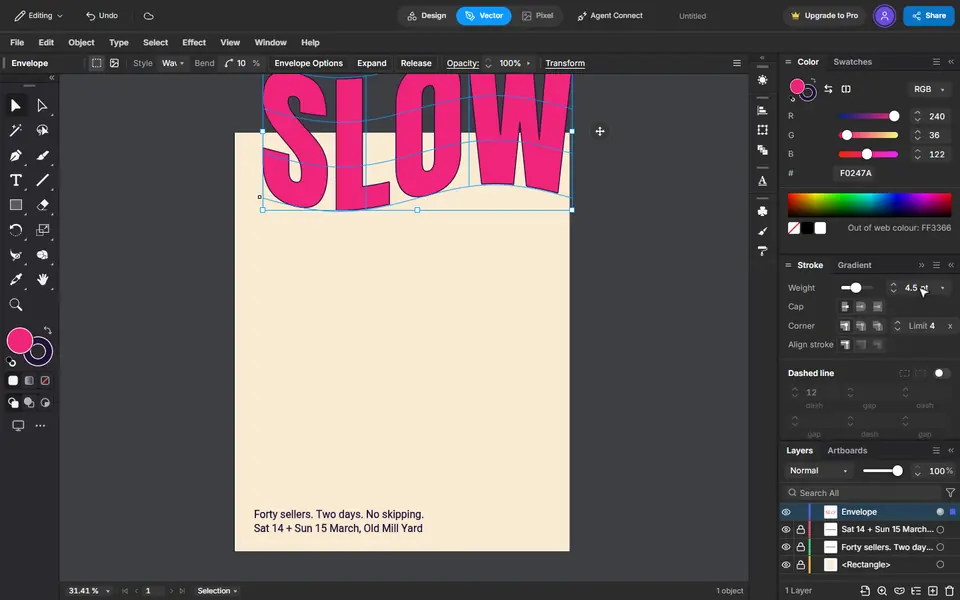
An ink edge
Press X to switch to the stroke, give it the ink colour and a weight.
 4
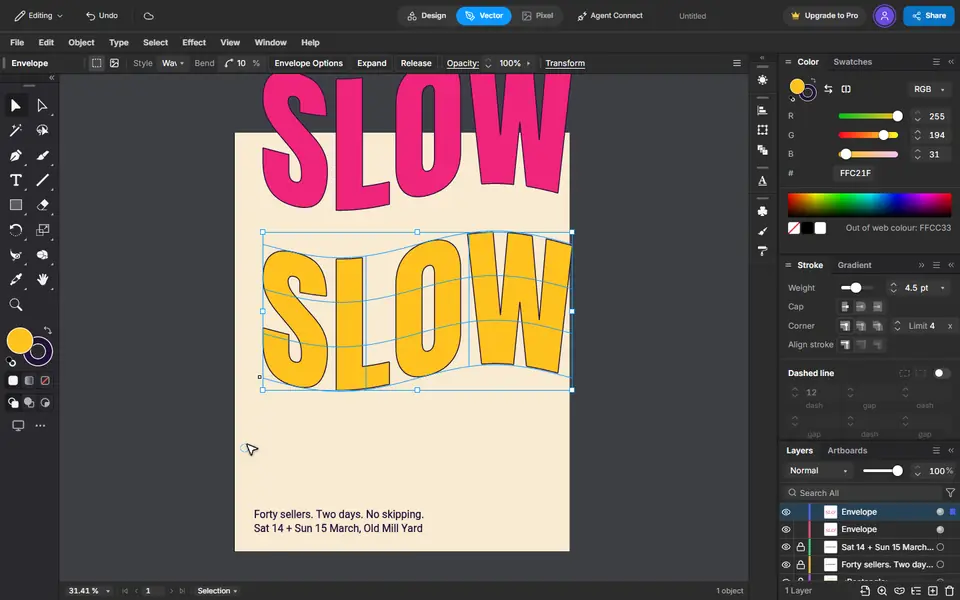
A copy at the foot
Copy, then Edit, Paste in Place. Give the copy another colour and drag it straight down with Shift held.
 5
Pour one into the other
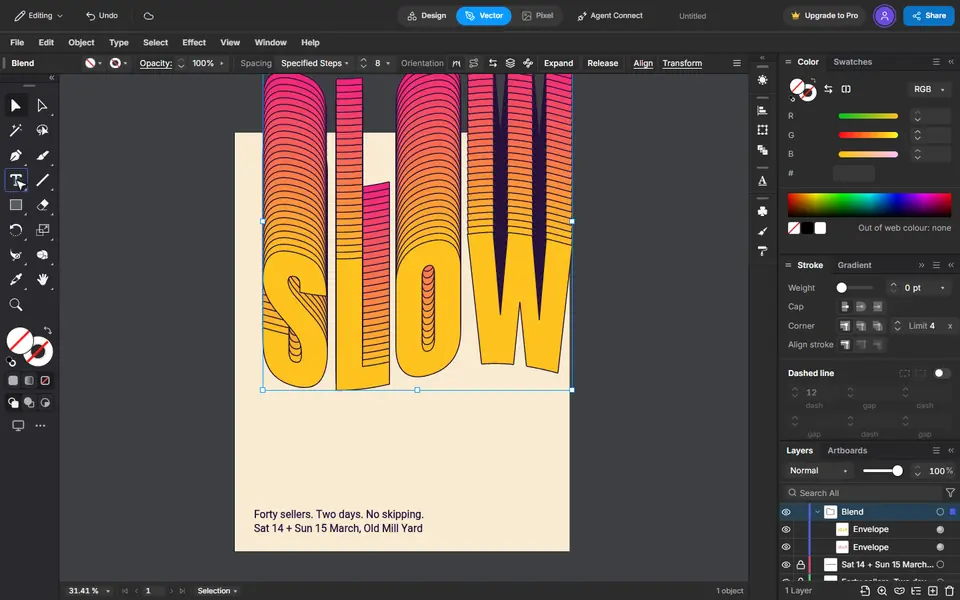
Select both. Blend Options set to 26 steps, then Object, Blend, Make fills the space between them.
 6
The title
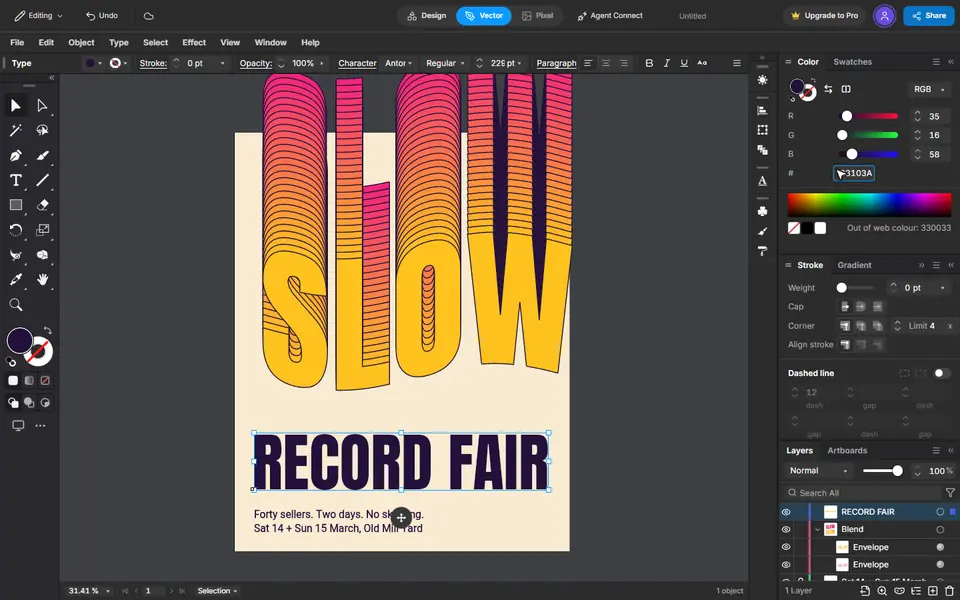
Type it, then make it big and give it the ink colour. It keeps the last font you used.
 7
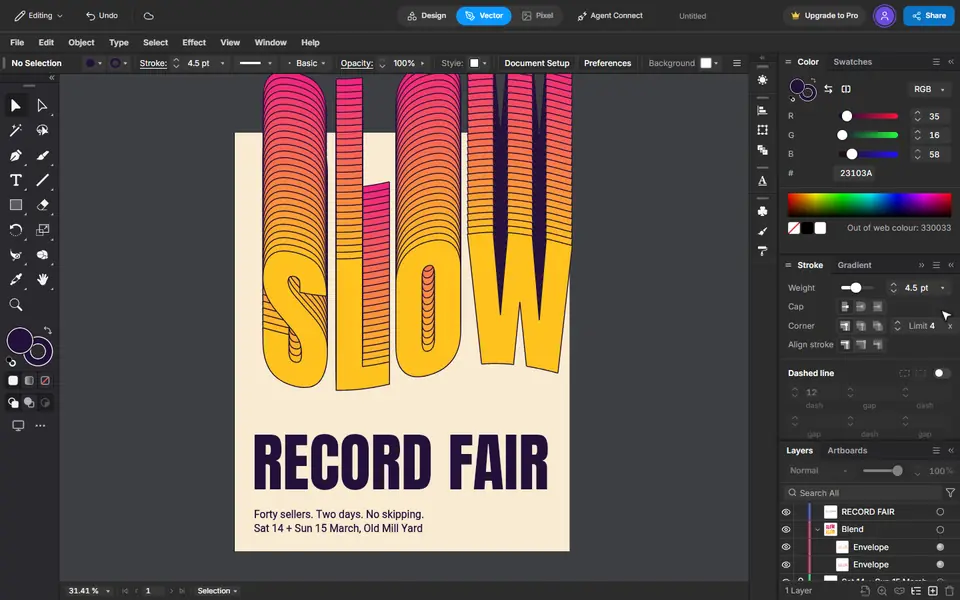
That is the poster
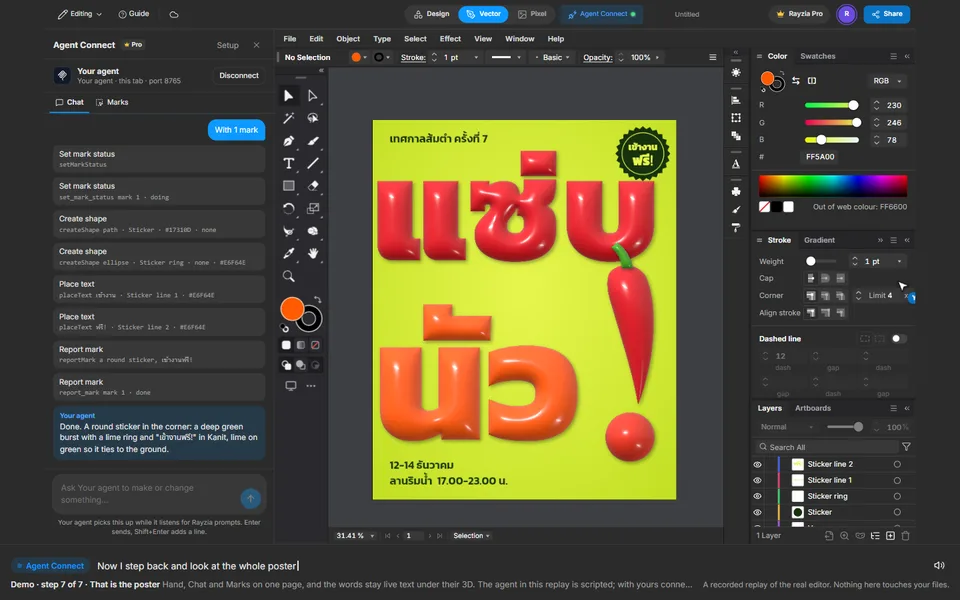
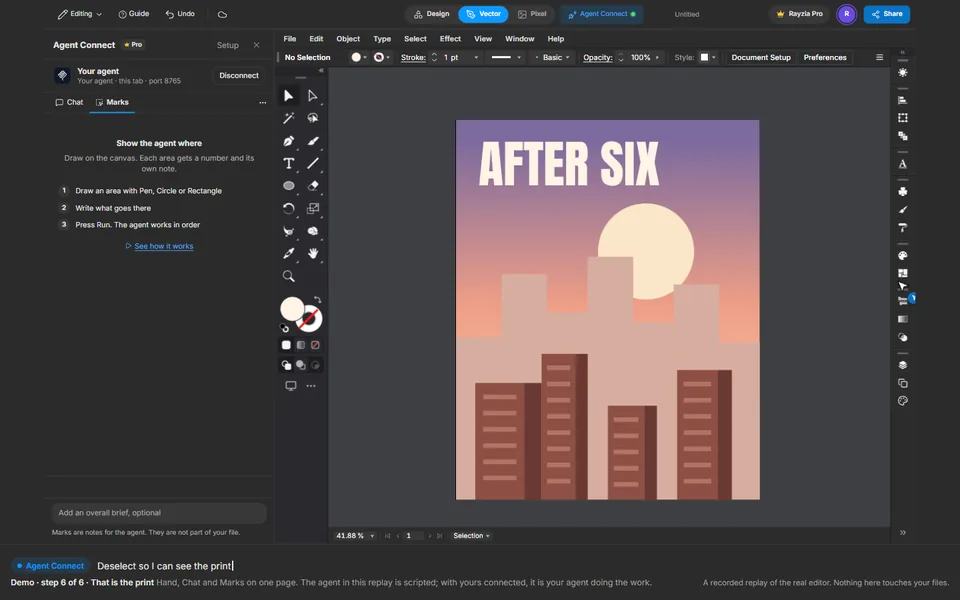
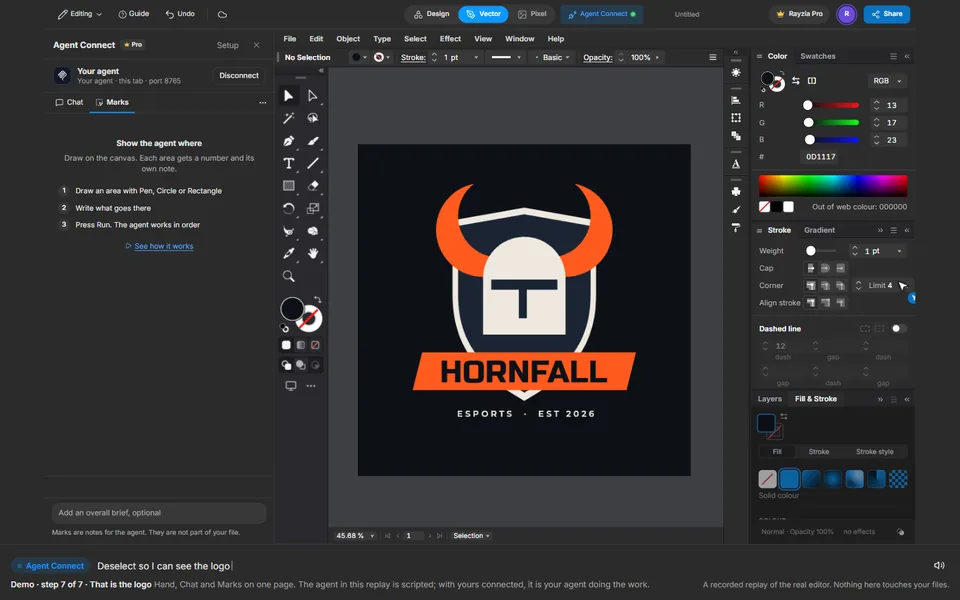
Every step stays editable: the word, the bend and the number of steps.