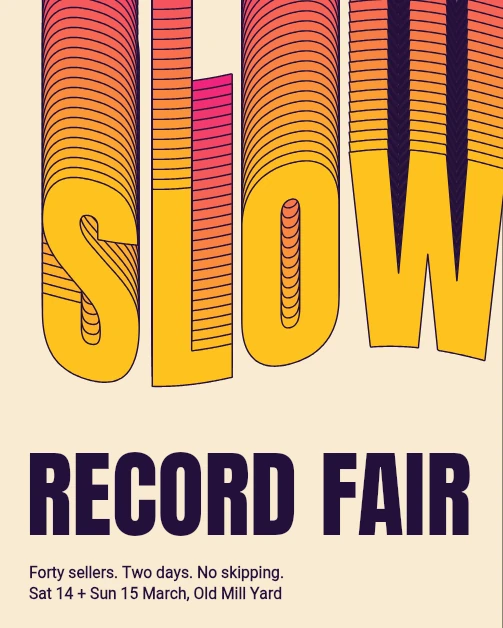
SLOW Record Fair
Uma palavra que escorre
Text, Create Outlines, Envelope, Blend
Roda no editor real. Não mexe no seu trabalho.
A reprodução não pôde começar. Tente de novo ou abra o editor e siga os passos.
Ou veja ao vivo, no editor real. Gire o celular para ver maior.
Os passos
 1
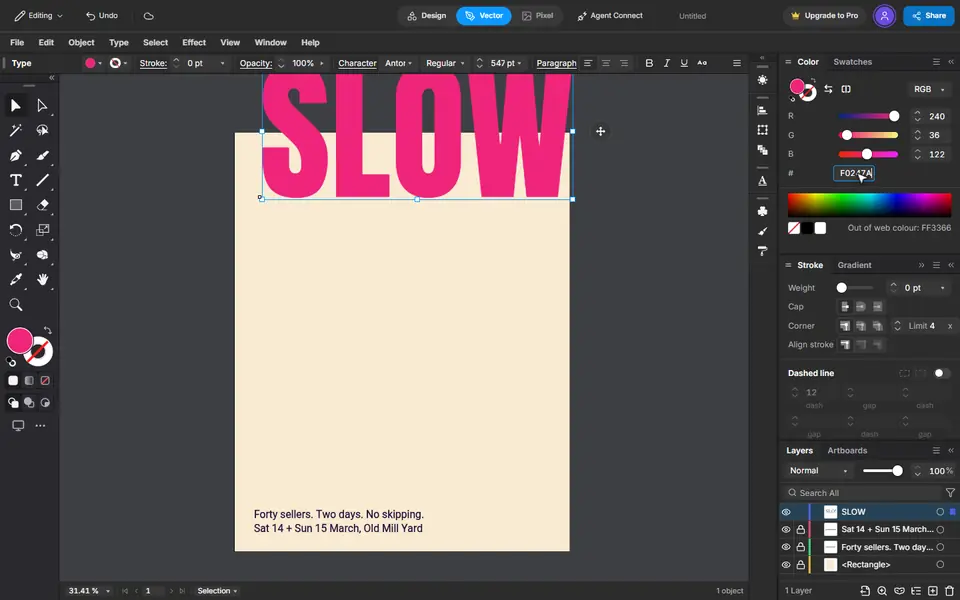
Type the word
Press T, click the page and type SLOW. Set the size and the font on the bar, and the colour in the Color panel.
 2
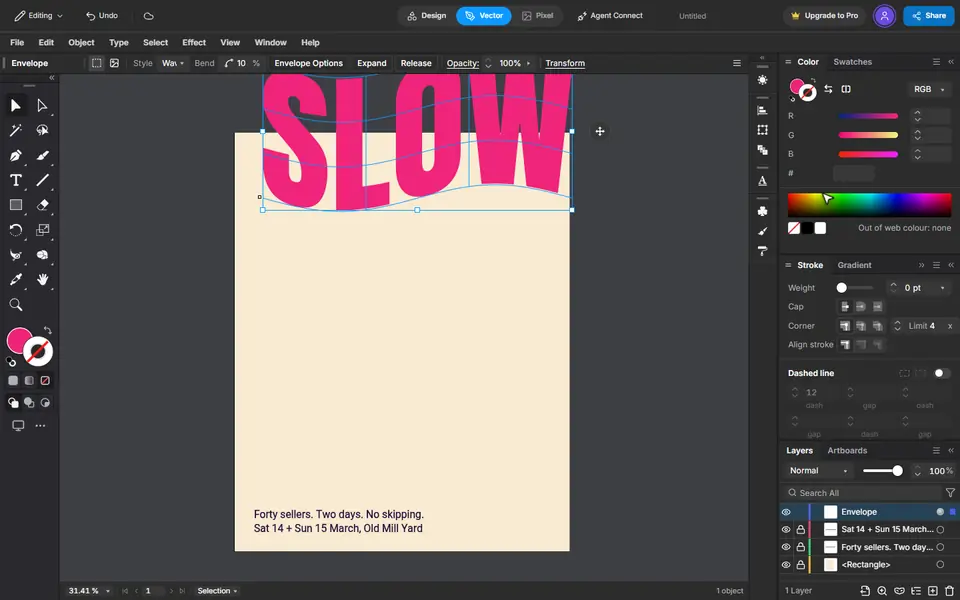
Make it shapes, then bend it
Type, Create Outlines turns the letters into shapes. Object, Envelope Distort, Make with Warp bends them: Wave, a small bend.
 3
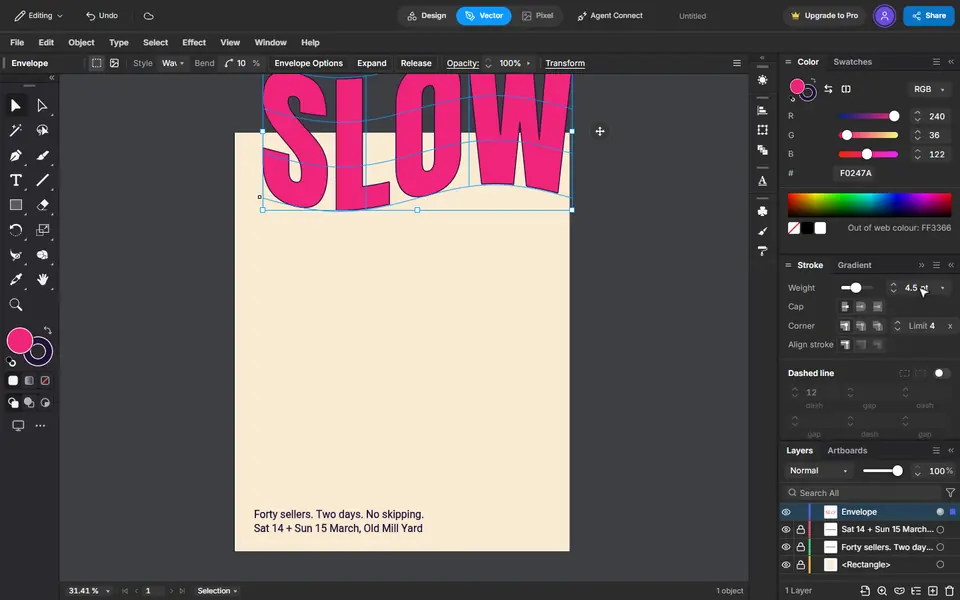
An ink edge
Press X to switch to the stroke, give it the ink colour and a weight.
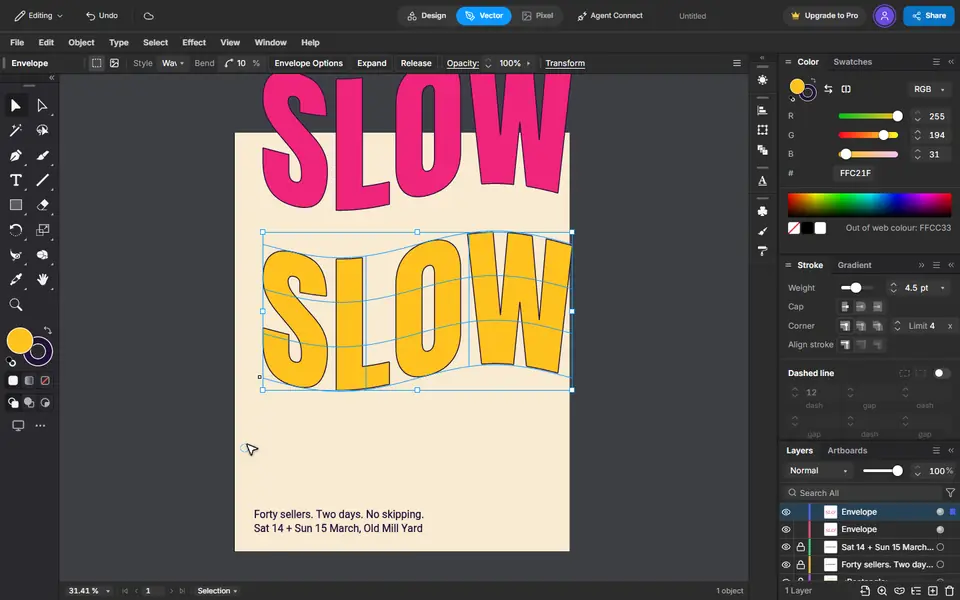 4
A copy at the foot
Copy, then Edit, Paste in Place. Give the copy another colour and drag it straight down with Shift held.
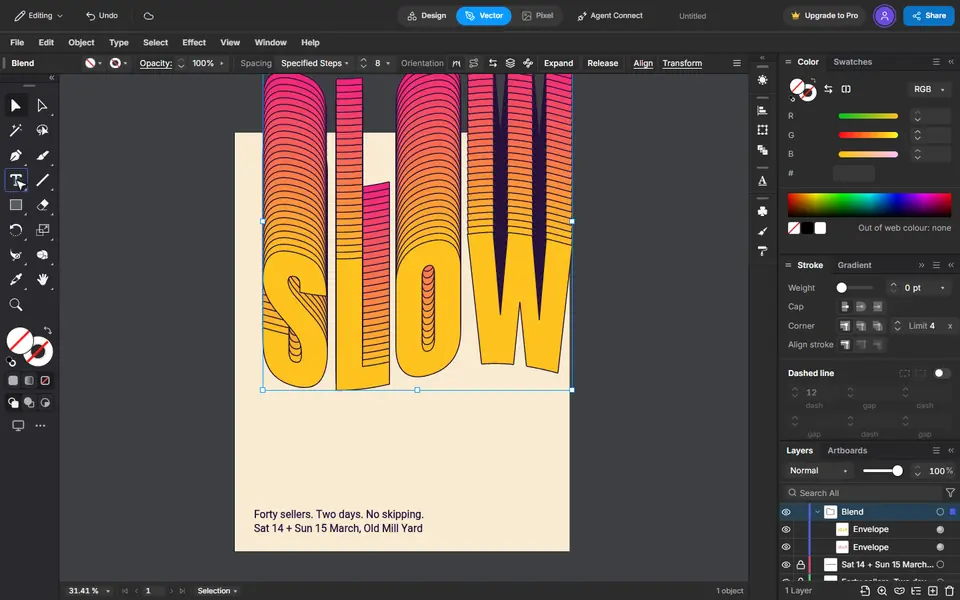 5
Pour one into the other
Select both. Blend Options set to 26 steps, then Object, Blend, Make fills the space between them.
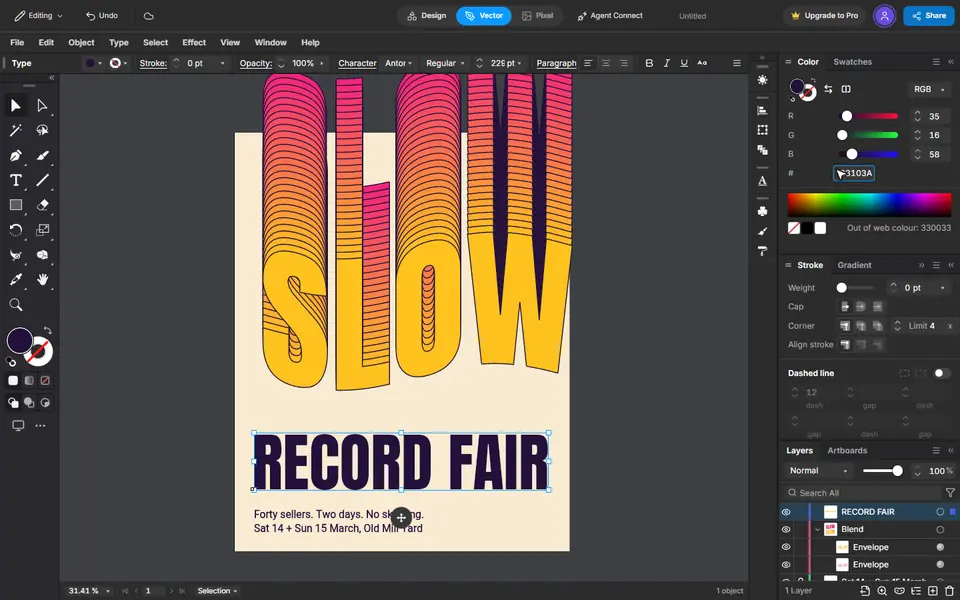 6
The title
Type it, then make it big and give it the ink colour. It keeps the last font you used.
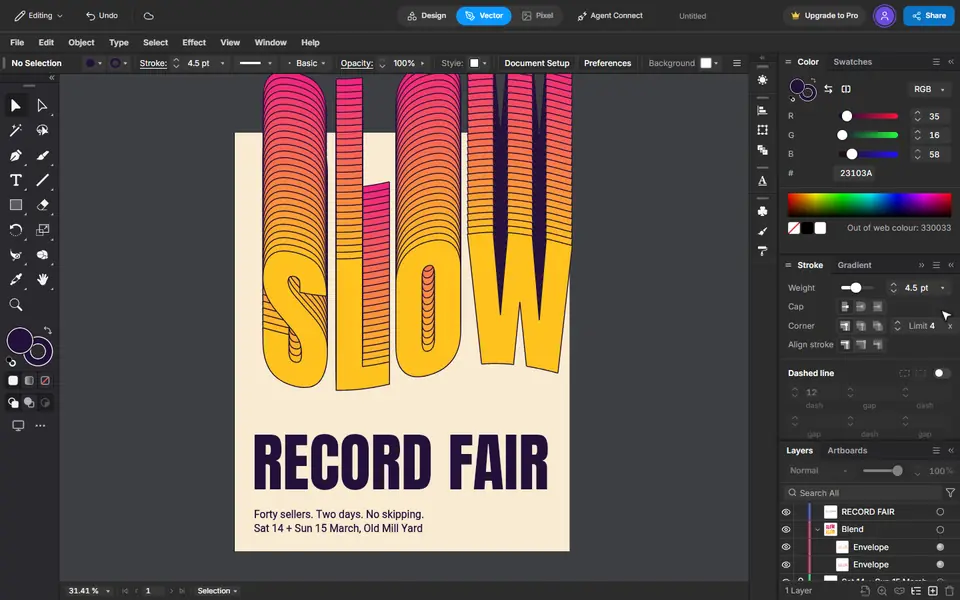 7
That is the poster
Every step stays editable: the word, the bend and the number of steps.
As lições que ele inclui
Mais exemplos
 Iniciante2:24
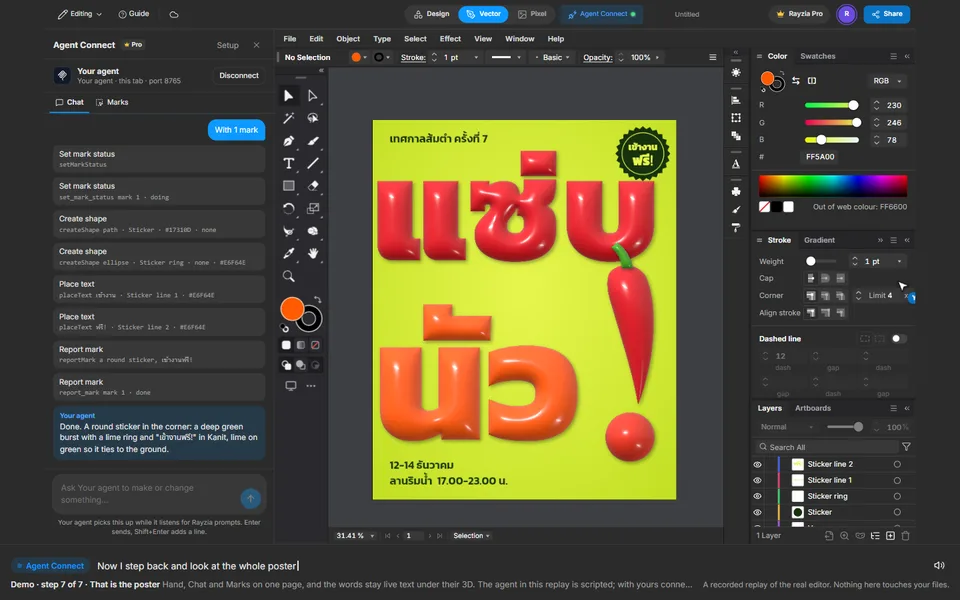
Uma palavra tailandesa, inflada
Text, 3D Inflate, Apply Last Effect, Agent Connect Chat, Marks
 Intermediário1:47
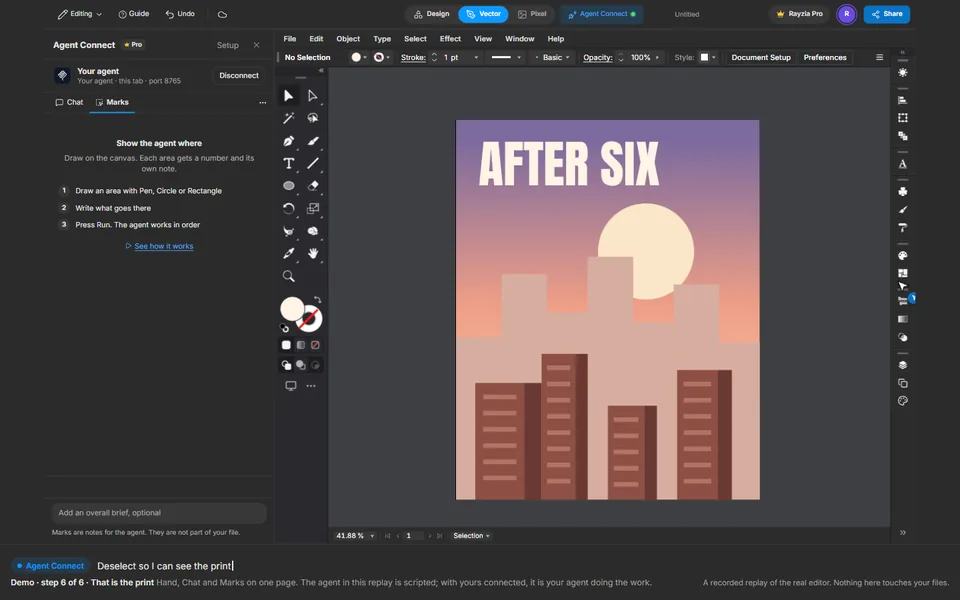
Pôster de um horizonte ao entardecer
Gradient, Ellipse, Agent Connect Chat, Marks, Text
 Intermediário2:11
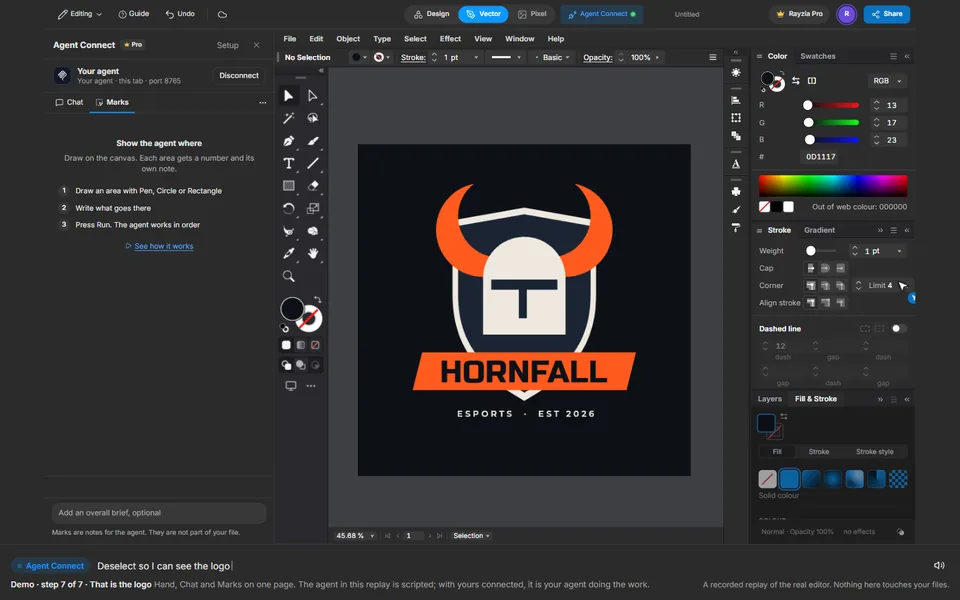
Logo de um time de esports
Shape Builder, Reflect, Move, Agent Connect Chat, Marks, Text